How to Collect Photos at a Product Launch Event (2026)
Learn proven strategies to collect and organize photos from your product launch event. Get every guest's perspective with QR codes, no apps needed.
By Guest Clicks Team · · 13 min read
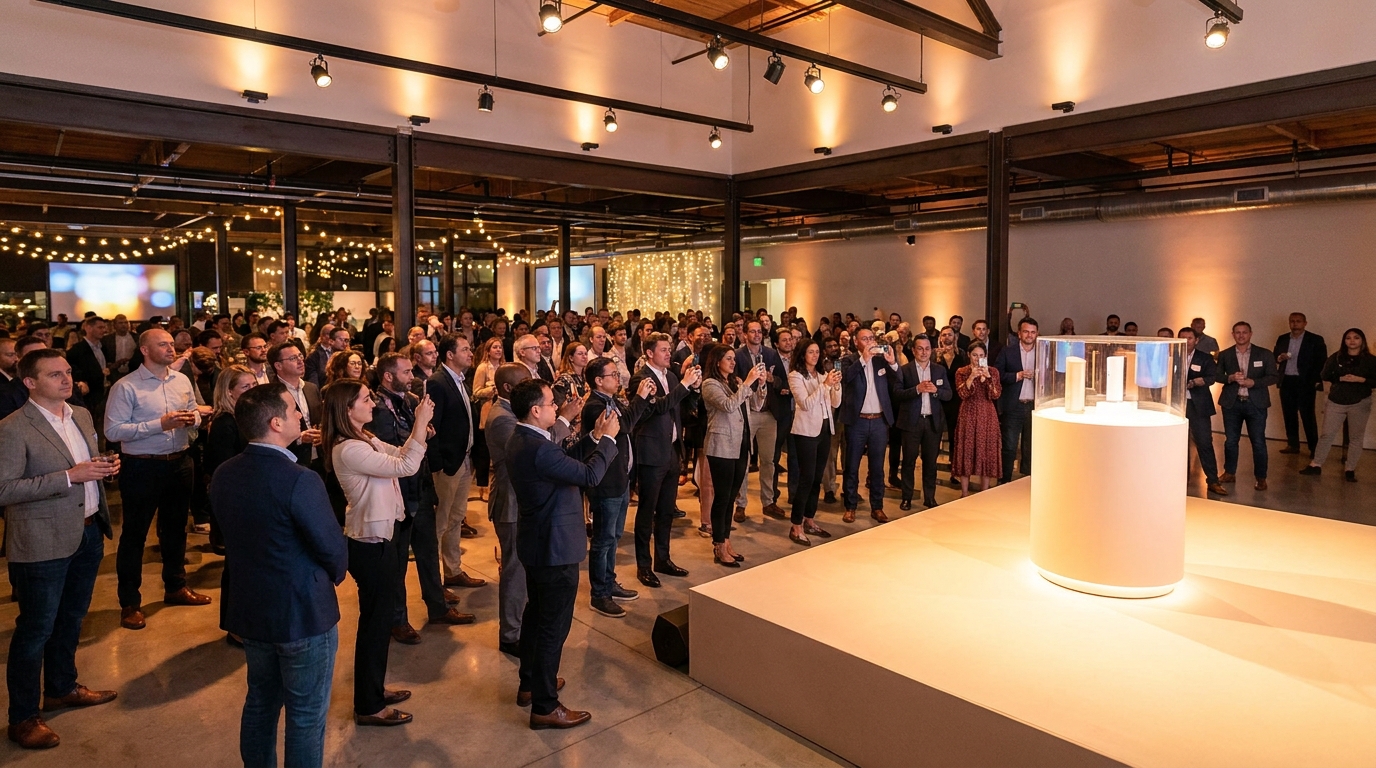
You've spent months perfecting the product, coordinating with vendors, and rehearsing the demo. The venue is booked, the catering is confirmed, and your PR team is ready to push the press release. But here's something that rarely makes the checklist: how will you capture the genuine reactions, candid networking moments, and authentic enthusiasm of the 100, 200, or 500 people walking through your doors?
Professional photographers are essential, but they can't be everywhere at once. They miss the whispered "wow" during a hands-on demo, the celebratory selfie between colleagues, or the spontaneous group shot in front of your branded backdrop. These unscripted moments are marketing gold—they're the social proof that transforms a corporate announcement into a cultural moment. Let's explore how to capture every single one of them without creating friction for your guests or headaches for your team.
Why Collecting Guest Photos Matters for Product Launch Success
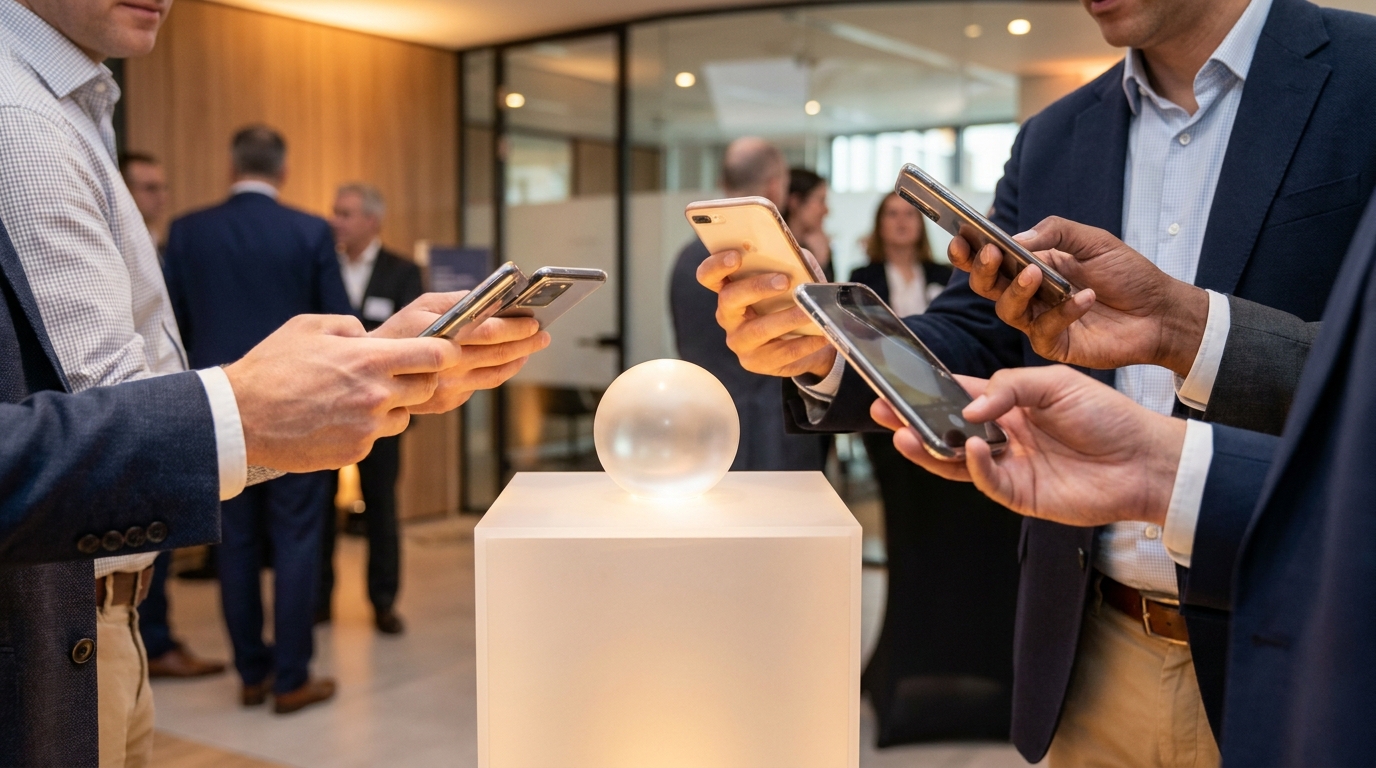
When you're investing tens of thousands (or more) into a product launch, every asset counts. While your hired photographer is capturing the keynote and staged product shots, your attendees are experiencing dozens of micro-moments that tell a richer story. The way a prospect's eyes light up when they first hold your device. The animated conversation between two developers examining your API documentation. The celebratory toast at the networking reception.
These authentic, diverse perspectives serve multiple business objectives. First, they provide social proof that extends far beyond the event itself. When potential customers see real people engaging with your product—not models in a studio—they trust your brand more. Second, user-generated content from attendees typically generates significantly higher engagement than polished corporate photography. Successful corporate events leverage these organic moments to extend campaign reach across LinkedIn, Instagram, and industry publications.
Perhaps most valuably, guest photos often reveal insights your marketing team didn't anticipate. I've seen SaaS companies discover that attendees were screenshotting unexpected features during demos—moments that became the foundation of revised messaging campaigns. At a recent consumer electronics launch, candid guest photos revealed customers using the product in ways the engineering team hadn't imagined, opening entirely new market positioning opportunities.
Beyond marketing, these images become assets for investor updates, annual reports, recruitment materials, and internal culture documentation. When your sales team needs to demonstrate market enthusiasm or your HR department wants to showcase company culture, having a library of authentic launch moments proves invaluable.
The Photo Collection Challenge at Corporate Events
Here's the uncomfortable truth that most event planners learn the hard way: traditional photo collection methods are fundamentally broken. Email requests sent after the event typically yield a 5-10% response rate, often arriving weeks later when the momentum has died. Event hashtags on social media capture only the most extroverted attendees—and often miss the mark entirely. In one cringe-worthy example from a Fortune 500 tech launch, the branded hashtag generated only 12 photos from over 200 attendees, most of which were shots of the catering rather than the product.
The primary culprit is friction. When you ask guests to download a dedicated event app, you're fighting an uphill battle. Corporate event attendees are increasingly protective of their phone storage and privacy. At a recent B2B software launch, organizers invested heavily in a custom-branded photo-sharing app only to watch adoption flatline at 8%. Guests simply refused to download software for a one-time event, leaving the marketing team with minimal visual coverage despite a packed venue.
Privacy concerns compound the problem. Corporate guests—particularly in industries like finance, healthcare, and legal—are often hesitant to share photos on public social media platforms where competitors or clients might see them. Additionally, many enterprise venues and corporate IT departments restrict certain apps or platforms, creating technical barriers before the event even begins.
Time sensitivity creates another hurdle. Product launches operate on tight news cycles. You need those photos immediately for same-day social posts, live press updates, and real-time stakeholder communication. Waiting two weeks for attendees to email their photos renders the content nearly useless. By then, the news has moved on, and your window for capitalizing on launch momentum has closed.
The QR Code Solution: Instant, App-Free Photo Sharing
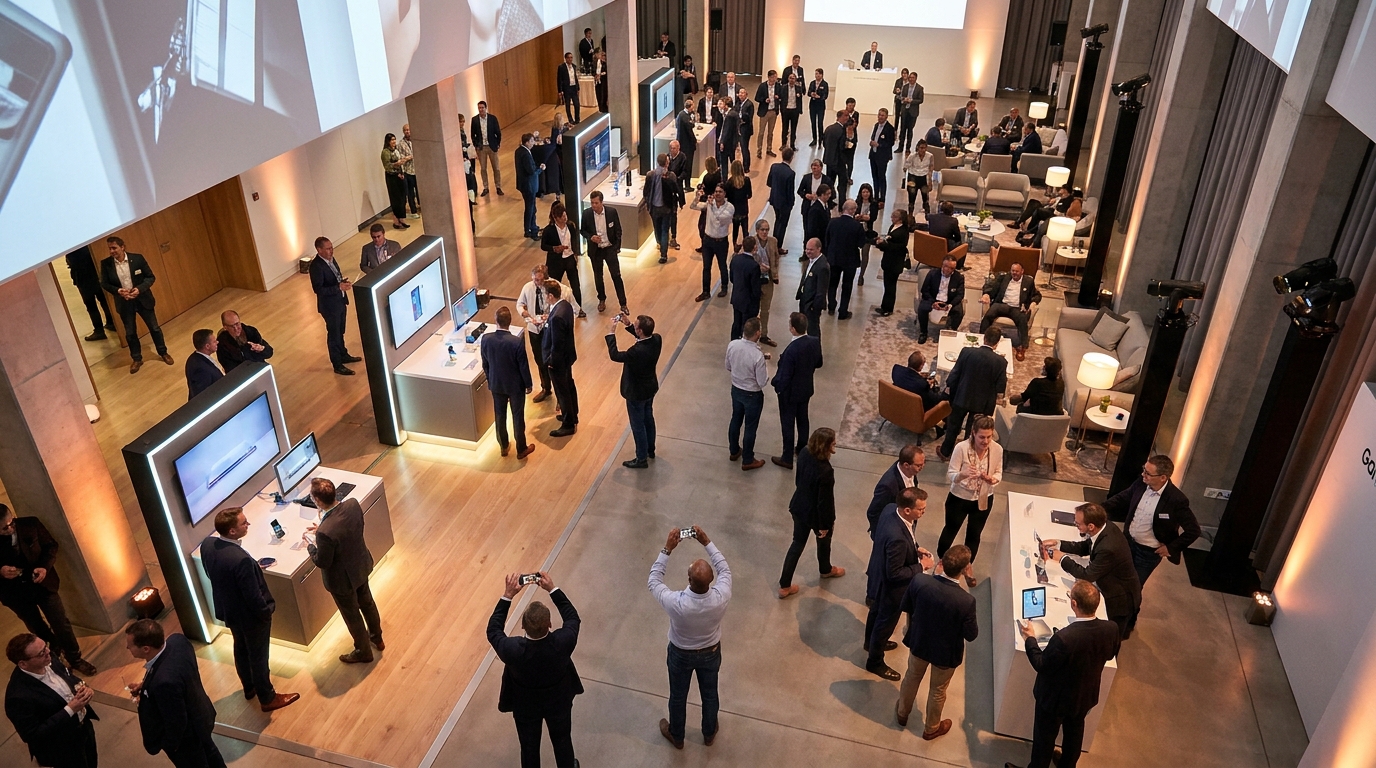
There's a simpler way. QR code-based photo sharing eliminates virtually every barrier that traditional methods erect. Instead of asking guests to download apps, create accounts, or post publicly, you're offering a ten-second path from camera roll to shared gallery. Guests point their phone camera at a code, tap the notification, and immediately upload photos through their browser. It works on iPhones, Androids, corporate devices with strict IT policies, and even older phones—no compatibility issues, no storage concerns, no privacy compromises.
Events using QR code photo sharing see 4-5x higher guest participation rates compared to traditional hashtag campaigns, with photos submitted in real-time rather than days later.
This approach is particularly powerful for corporate environments. Because everything happens within the mobile browser, you bypass app store restrictions and IT security concerns entirely. The gallery remains private and password-protected, separate from public social media, which satisfies privacy-conscious executives and compliance teams. Yet it's accessible enough that technophobic attendees and VIPs alike can participate without assistance.
The results speak for themselves. At a recent tech product launch using Guest Clicks, photo submission rates jumped from a projected 15% to 67% of attendees. A pharmaceutical company hosting a compliant product reveal used QR codes to enable photo sharing without exposing proprietary information or forcing attendees onto social platforms—critical in an industry where regulatory compliance is paramount.
Unlike app-based solutions that require weeks of development and testing, creating a QR code for event photos takes minutes. You generate the code, print it on signage, and you're ready to collect high-resolution images from every angle of your launch. Your official photographer captures the staged moments; your guests capture the authentic experience.
📸 Collect Every Guest Photo at Your Next Event
Stop chasing guests for photos. With Guest Clicks, you create a QR code, guests scan and upload — it's that simple. No app downloads, no hassle.
Step-by-Step: Setting Up Photo Collection for Your Launch
Preparation is everything when it comes to maximizing photo participation. Start by creating your event in your chosen platform at least one week before the launch. This gives you time to generate your unique QR code, test the upload process across different devices, and brief your team on the workflow. If you're using Guest Clicks, the free plan handles smaller launches beautifully, while the Premium tier offers unlimited photos and video support for major product reveals.
Strategic placement of your QR codes determines your success rate. Don't just tape a single code to the registration table and hope for the best. Instead, create multiple touchpoints throughout the venue:
- Registration/Check-in: Include the QR code on welcome packets or display it on a stand where guests pick up name badges
- Product Display Areas: Place codes near demo stations where guests naturally want to photograph the product
- Networking Zones: Position codes on cocktail tables and bar areas where conversations flow
- Presentation Spaces: Include a slide with the QR code during breaks or transitions
- Exit Points: Remind guests to upload any final photos as they leave
Brief your event staff and volunteers thoroughly. They should actively encourage uploads, not just point passively at signs. Equip them with talking points: "Have you had a chance to share your photos to the gallery? It takes just a second—just scan the code on your badge!" This personal invitation dramatically increases participation rates compared to passive signage alone.
Enable moderation features before doors open. You want a real-time feed displaying on screens throughout the venue to encourage participation, but you need the ability to remove anything off-brand or inappropriate instantly. Event gallery moderation best practices suggest assigning one team member to monitor the feed continuously during high-traffic moments like product reveals or networking hours.
Finally, test your display setup. Whether you're projecting the live gallery on a large screen or showing it on monitors near the bar, seeing photos appear in real-time creates a powerful feedback loop. When guests watch their own images pop up seconds after uploading, they upload more. It's social proof in action.

Maximizing Photo Participation During Your Launch Event
Even with frictionless technology, you need to actively drive participation. Passive collection yields passive results. Start by training your team to treat photo sharing as part of the guest experience, not an afterthought. During registration, staff should mention the gallery and demonstrate the scan process. During demos, presenters can pause briefly to suggest guests capture specific features. During networking, encourage shots of team members with the product.
Create undeniable photo opportunities throughout your space. Designate an area with professional lighting and branded backdrops specifically for guest photos—not just step-and-repeats for influencers, but inviting spaces where any attendee feels comfortable snapping a shot. Position your product displays at angles that photograph well, with good lighting and minimal glare. Consider creating "Instagrammable" moments that align with your brand aesthetic but don't feel forced.
67% of product launch attendees will share photos when the process takes under 10 seconds, but that drops to just 12% if they need to download an app or create an account.
The live gallery display is your secret weapon for viral participation within the room. When guests see their colleagues' photos appearing on the big screen in real-time, FOMO kicks in. They want their perspective represented too. One B2B software company found that displaying the live gallery increased uploads by 40% during the second hour of their event as guests noticed the stream and joined in.
Incentives work, but they don't need to be expensive. A simple "Best Product Photo" contest with a modest prize (high-end headphones, a gift card, or exclusive product swag) can drive massive engagement. One consumer goods launch offered a feature in their post-event marketing video to the guest who submitted the most creative shot. Result? 85% of attendees uploaded at least one photo, with many submitting multiple angles and creative compositions.
Don't forget remote stakeholders. If you have team members, investors, or media following along virtually, share the gallery link with them too. They can watch the event unfold in real-time through attendees' eyes, creating engagement even among those who couldn't attend in person. Displaying event photos in real time bridges the gap between physical and virtual audiences.
Turning Collected Photos Into Post-Launch Marketing Gold
The event ends, but your photo assets are just beginning their journey. Within 24 hours—while the energy is still fresh—download the entire gallery. With platforms like Guest Clicks, you can grab individual shots or bulk-download everything as a ZIP file. This immediacy matters because your social media team is planning next-day posts, your PR department is drafting follow-up stories, and your sales team needs fresh assets for outreach.
Create a highlight reel or recap video using these authentic perspectives. Mix official footage with candid guest shots to show both the polish and the genuine enthusiasm. These videos perform exceptionally well on LinkedIn for B2B launches and Instagram for consumer products because they feel documentary rather than promotional. One startup used attendee photos in their Series A pitch deck to demonstrate market enthusiasm—visual proof that people were genuinely excited about their solution.
Companies that collect and repurpose attendee photos from launch events generate an average of 6-8 additional weeks of authentic social media content from a single event.
Segment your content by use case. The candid shot of two engineers examining your product belongs in recruitment materials and technical blog posts. The crowd shot of the product reveal works for investor updates and press releases. The detailed close-up of hands-on interaction becomes social proof for advertising campaigns. Organizing event photos after the party is crucial for maximizing their utility across departments.
Follow up with attendees by including their photos in thank-you emails. When guests see their own perspective valued and shared, they feel a deeper connection to your brand. They'll also be more likely to share your post-launch content, extending your reach organically. Track which photos generate the most engagement to inform your corporate event ROI calculations for future launches.
Finally, archive everything properly. These photos become part of your company's visual history. In six months, when you're planning the next product iteration or preparing for a funding round, having this library of authentic launch moments will prove invaluable. The candid shot you collect today might be the perfect illustration for your 2027 annual report or your next major campaign.
Frequently Asked Questions
How do you get guests to share photos at a corporate event?
Make it effortless with QR codes that guests scan with their phone camera—no apps or accounts needed. Place codes prominently at registration, product displays, and networking areas, and have staff actively encourage participation throughout the event. When the process takes under 10 seconds, participation rates jump to 60-70% of attendees.
What is the best way to collect event photos from attendees?
QR code-based photo sharing platforms offer the highest participation rates because they work instantly in any phone browser. Guests scan, upload, and see their photos in a real-time gallery without downloading apps or sharing on social media. This method typically generates 4-5x more photos than hashtag campaigns.
Do guests need to download an app to share photos at events?
Not with modern QR code solutions. Platforms like Guest Clicks work entirely in mobile browsers, eliminating the biggest barrier to participation. Guests simply scan a code and upload—the entire process takes under 10 seconds. This is particularly important for corporate events where IT policies may restrict app installations.
How can I protect privacy when collecting photos at corporate events?
Use a platform with password-protected galleries and moderation tools. This keeps photos private from public social media while giving you control over what appears in the gallery. Guests can share freely knowing their photos stay within a professional, controlled environment, which is especially important for industries with strict compliance requirements.
How many photos should I expect to collect at a product launch?
With QR code sharing, expect 60-70% of attendees to submit at least one photo, with an average of 3-5 photos per participating guest. A 200-person launch typically yields 400-700 photos when using frictionless collection methods, compared to 20-50 photos from traditional email or hashtag requests.