Employee Appreciation Event Photo Tips for 2026 Success
Discover proven employee appreciation event photo tips to capture authentic moments, boost engagement, and create lasting memories. Make your 2026 corporate event unforgettable.
By Guest Clicks Team · · 9 min read

You have probably been there. The employee appreciation event ends, everyone goes home happy, and then... nothing. A week later, the only evidence that anything happened is a handful of stiff group photos and a few blurry phone shots trapped in text threads. In 2026, that simply is not good enough. Employees want to feel seen, and organizations need tangible proof that they value their teams. The right photo strategy transforms a single afternoon into a lasting culture moment that resonates for months. Whether you are planning a quarterly recognition lunch, a year-end gala, or a casual Friday celebration, how you capture and share photos determines whether the event fades from memory or becomes part of your company's story.
Why Photo Strategy Matters at Employee Appreciation Events
Photos are not just event souvenirs. They are tangible proof that your company values recognition. When employees see images of themselves being celebrated, it reinforces that their work matters. Shared photo experiences also create stronger team bonds. A candid shot of two colleagues laughing over dessert does more for workplace relationships than a dozen structured meetings.
From an organizational perspective, these images become valuable content assets. HR teams can use them in internal newsletters, intranet updates, and employer branding. One HR team started featuring appreciation photos in their quarterly newsletter and saw readership jump by 40%. That is real engagement driven by authentic moments.
Poor photo collection, however, leaves you with missed moments and lower perceived event value. Imagine a tech company relying solely on a single photographer and ending up with 30 staged shots. Now compare that to another company using a smart sharing system that collects 500+ photos from every angle. The difference in post-event energy is massive. One collection feels like a formal report; the other feels like a true celebration.
The average employee appreciation event generates 300-500 photos when using frictionless sharing methods, compared to 30-50 with traditional photographer-only approaches.
In 2026, corporate event ROI is increasingly measured by photo engagement and the cultural impact those images create long after the venue is packed up.
Planning Your Employee Appreciation Event Photo Strategy
Great event photos do not happen by accident. Start by defining your goals before you book a venue. Are you documenting culture for recruitment? Creating content for internal communications? Or capturing memories for the team? Most appreciation events serve all three purposes, but knowing your priorities shapes every decision.
Next, map out key moments: awards presentations, team activities, candid interactions, and venue shots. Create a photo timeline aligned with your schedule. For a three-hour appreciation lunch, plan coverage for arrival and mingling, welcome remarks, awards, meal service, and informal networking. Having this timeline ensures nothing important slips through the cracks.
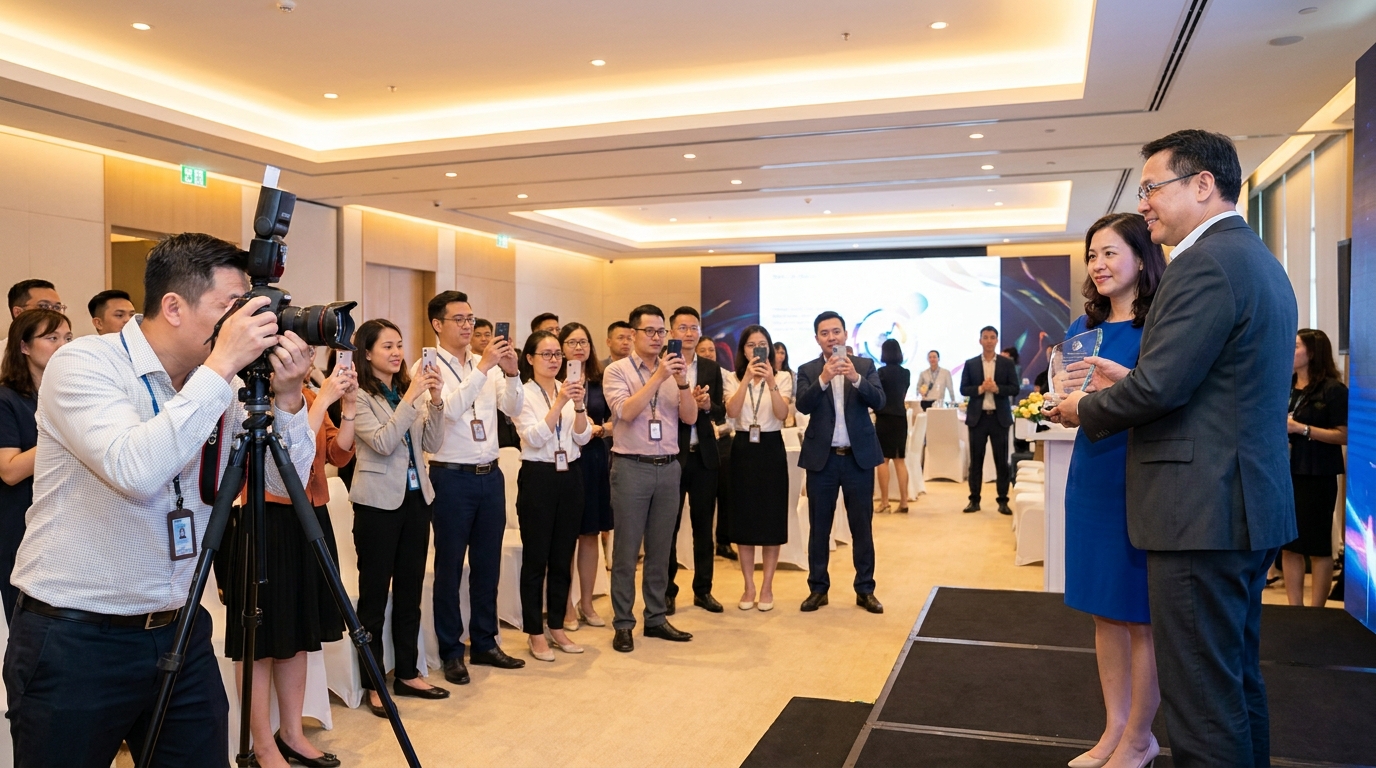
Decide whether to hire a professional photographer, crowdsource from employees, or use a hybrid approach. Corporate event planning best practices suggest the hybrid model works best for most appreciation events. A professional covers formal moments like awards while employees capture candid experiences in between. You get polished shots for marketing and authentic moments for culture-building.
Inc.'s guide to corporate events notes that small details—like where your photographer stands during speeches—determine whether you get usable images or background clutter. Plan these logistics ahead of time and brief your photographer on must-have shots.
Removing Barriers: Make Photo Sharing Effortless for Employees
Here is the hard truth: the biggest reason photo collections fail is friction. If employees must download an app, create an account, or navigate a complicated upload process, participation drops off a cliff. People are there to enjoy themselves, not wrestle with technology.
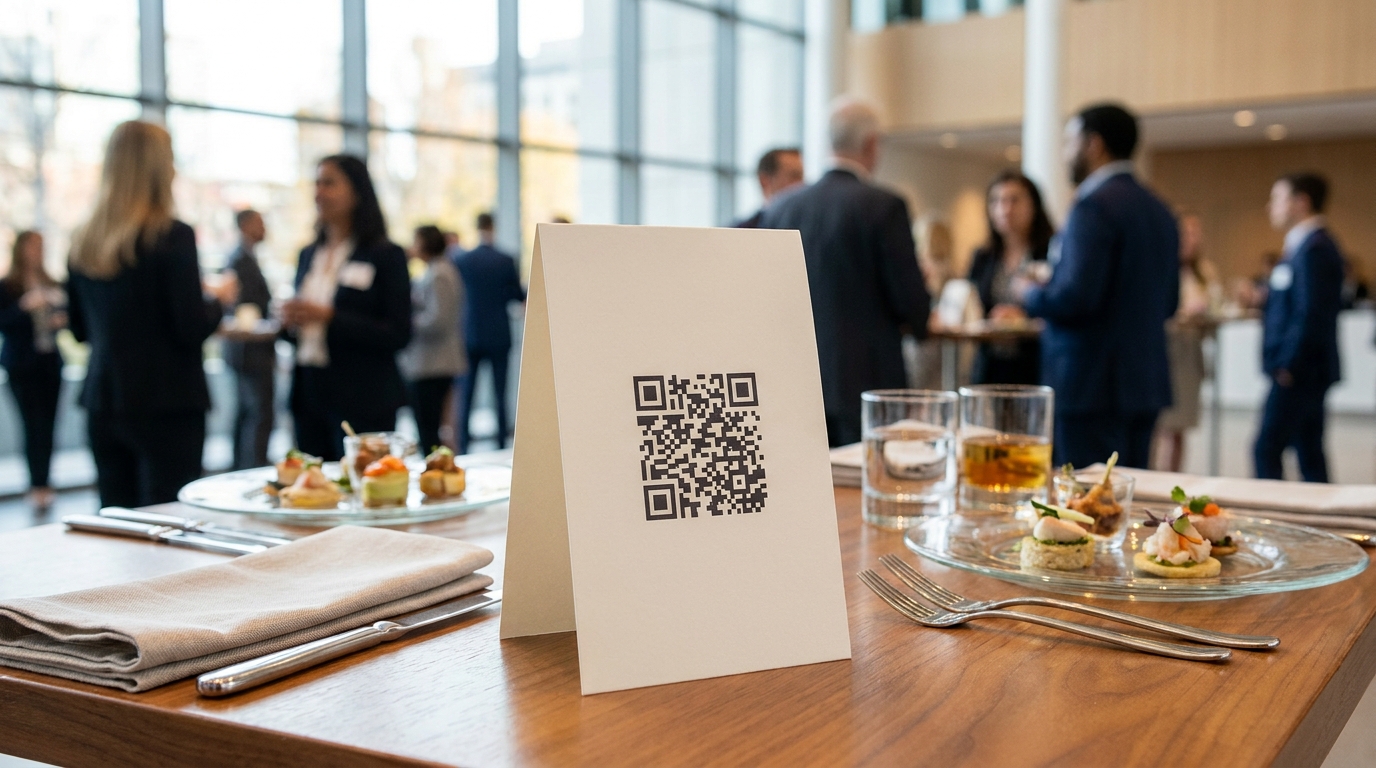
The solution is removing every barrier between the moment and the upload. QR code systems let employees contribute photos in seconds from their mobile browser. No app store, no registration, no passwords. Event photo apps that work without downloading have become the 2026 standard because they meet employees where they already are. Guest Clicks lets attendees upload instantly by scanning a QR code—no app required.
Visibility matters too. Place QR code table tents at every table, on sign-in desks, and near the coffee station. One company switched from an app-based system to QR codes at every table and collected 400% more photos. When sharing takes three seconds instead of three minutes, people actually do it.
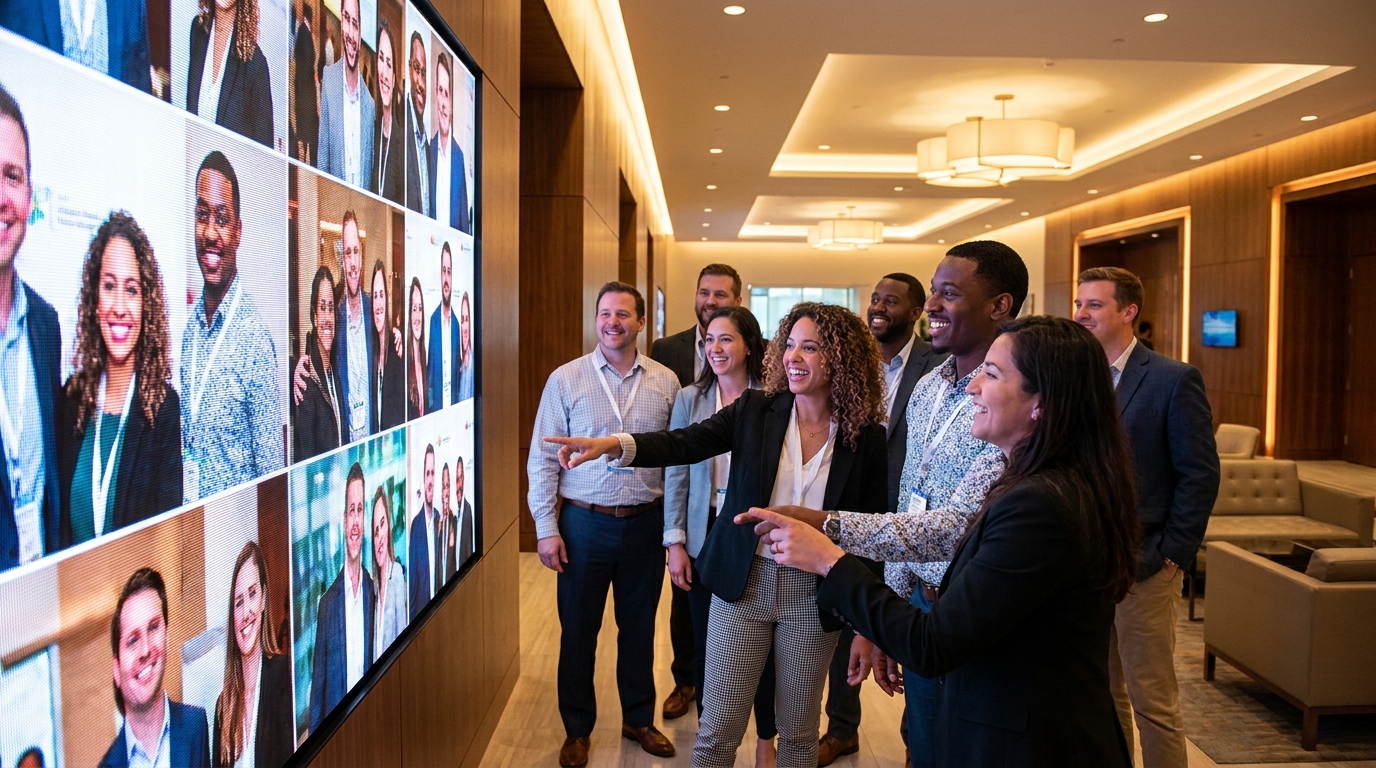
Real-time gallery displays create a snowball effect. Project a live photo feed on screens around the venue and employees see others contributing, which makes them want to join in. It turns photo sharing into an interactive part of the event rather than an afterthought.
Events with easy photo-sharing systems see 4-5x more employee participation than those requiring app downloads or email submissions.
📱 Share Your Event Photos Instantly
Attending an event using Guest Clicks? Just scan the QR code with your phone camera and upload your best moments. No app needed — it works right in your browser!
Capturing Authentic Employee Moments vs. Staged Corporate Photos
Most employees can spot an overly staged corporate photo from a mile away. The rigid posture, forced smile, and perfectly positioned banner have their place, but they rarely capture your culture's heart. Authentic candid shots resonate more because they show real people having real moments.
The key is balance. Capture a few formal group shots for the archives, but prioritize genuine interactions and laughter. Encourage employees to photograph what matters to them—their work friends, inside jokes, surprise moments. Their perspective tells the real story of your workplace in a way no outside photographer can replicate.
Timing matters. The best candid moments happen during activities, meals, and informal mingling. That is when guards come down and personalities shine through. A photo of colleagues genuinely laughing during a team activity outperforms a stiff lineup every time. One company said their most-liked image of the year came from an employee who caught two coworkers sharing a quiet, celebratory moment that a professional would have missed entirely. When employees look back at these images months later, they remember how they felt—the appreciation, the camaraderie, the sense of belonging. Staged photos rarely trigger that same emotional response.
Technical Tips for Better Employee Event Photos
You do not need professional gear to capture great event photos, but a few basics help. Lighting is the biggest challenge at indoor venues. Harsh fluorescents create unflattering shadows. Position people near windows when possible, or find softer, diffused lighting. On smartphones, tap to expose for faces rather than bright backgrounds.
Composition matters more than equipment. Use the rule of thirds—place subjects slightly off-center. Watch for cluttered backgrounds like exit signs or trash cans. Capture context that adds to the story, not distractions. If your venue has particularly challenging lighting, consider designating one or two "photo spots" with better illumination. A corner near a window or an area with decorative string lights can become an impromptu studio where employees naturally gather for better shots.
Since most employee photos come from smartphones, use their strengths. Portrait mode works for individuals but avoid it for groups where edge detection might cut someone off. Flash helps in dark corners but often creates red-eye. Find better light when you can.
Here is a quick mobile checklist: clean your lens, hold steady for two seconds after tapping the shutter, use burst mode for action, and shoot slightly wider than needed—you can always crop later, but you cannot uncrop a photo.
Maximizing Post-Event Value from Your Employee Photos
The event might last three hours, but your photos should work all year. Create a shared gallery where employees can access and download favorites. When people easily grab high-quality photos, they use them. Employees are significantly more likely to share event photos on social media when they can access images from a shared gallery instead of hunting through email threads.
Employees are 67% more likely to share event photos on personal social media when they can easily access high-quality images from a shared gallery.
Repurpose images across internal communications. Feature highlights in newsletters, intranet posts, and culture decks. One organization created a year-end culture video from appreciation event photos, and it became their most-watched internal video of 2026. Another HR team started a monthly "Culture Spotlight" series using employee-submitted photos, driving consistent open rates.
Use this year's highlights to promote next year's event. Genuine photos of people having fun make the best recruitment tool for future participation. Corporate retreat photo management strategies work equally well for appreciation gatherings—treating photos as ongoing assets, not one-time souvenirs. With Guest Clicks, Premium galleries stay active for a full year, giving employees plenty of time to revisit memories and download favorites.
Frequently Asked Questions
How many photos should we expect from an employee appreciation event?
With an easy photo-sharing system, expect 5-10 photos per attendee at a well-engaged event. A 50-person appreciation event typically generates 250-500 photos when employees can easily upload from their phones without apps or complicated processes.
Should we hire a professional photographer for employee appreciation events?
A hybrid approach works best—hire a professional for formal moments like awards and group photos, while enabling employees to capture candid moments throughout the event. This combination ensures quality coverage of key moments while gathering authentic employee perspectives.
How do we encourage employees to share photos during the event?
Make it effortless with QR codes at every table, announce it at the event start, display a live photo feed on screens, and assign photo ambassadors to remind people. Visibility and simplicity are the two biggest drivers of participation.
What should we do with employee appreciation event photos after the event?
Share a gallery link where employees can download photos, feature highlights in company newsletters and intranet, use them for social media content, and save them for promoting next year's event. Photos become valuable culture documentation and employer branding assets.
How do we handle photo privacy concerns at corporate events?
Use password-protected galleries so only attendees can access photos, enable moderation features to review uploads before they go live, and communicate photo-sharing policies before the event. Most platforms like Guest Clicks offer privacy controls specifically for corporate events.