Corporate Retreat Photo Management: Complete 2026 Guide
Discover proven corporate retreat photo management strategies that capture every moment. Learn to collect, organize, and share team photos seamlessly.
By Guest Clicks Team · · 13 min read
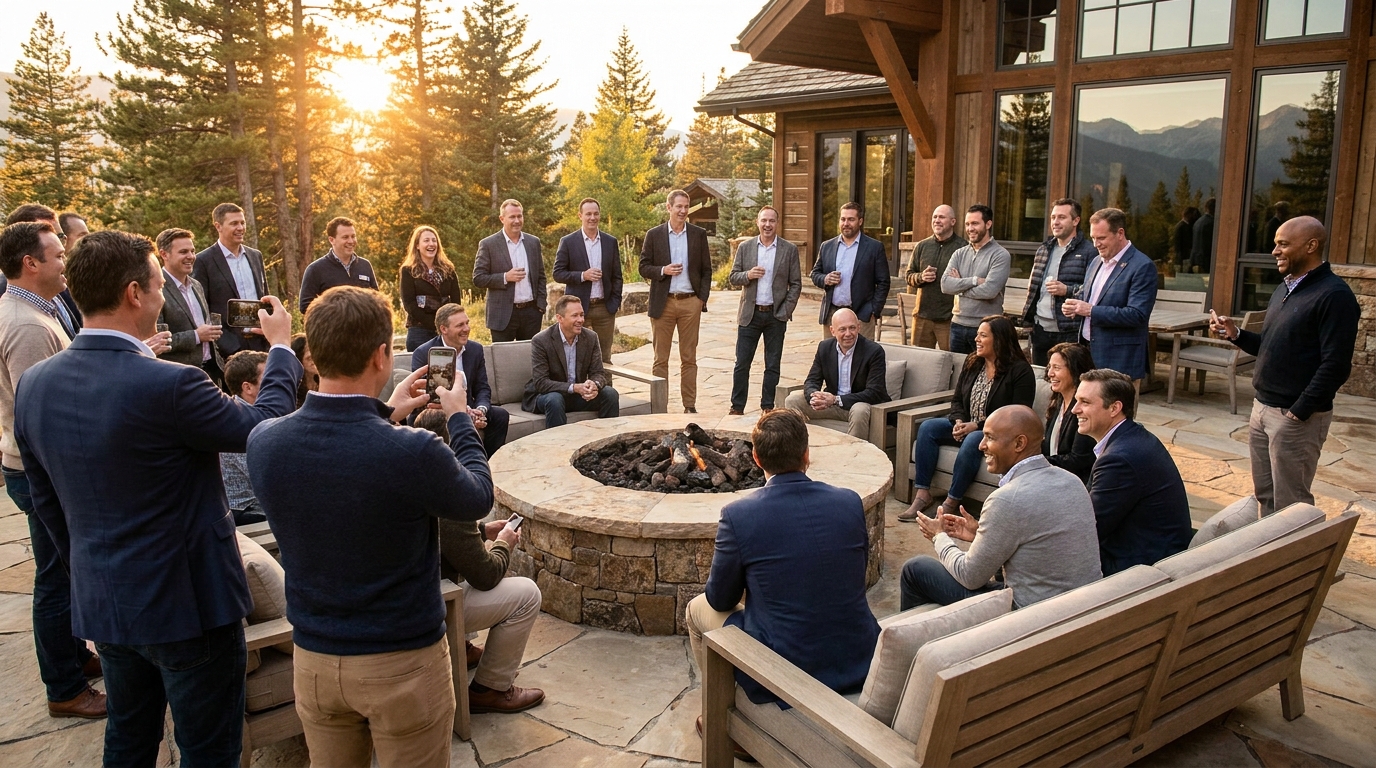
You've spent months planning the perfect corporate retreat—securing the mountain lodge, scheduling team-building activities, and coordinating travel for remote employees. But here's what most organizers realize too late: the real magic happens in the unscripted moments. The laughter during the hiking trail wrong turn. The genuine connection over campfire s'mores. The breakthrough idea sketched on a napkin during dinner. These moments can't be manufactured by a professional photographer following everyone with a DSLR. They happen organically, captured by the smartphones already in your team's pockets. Yet without a proper photo management strategy, these valuable memories scatter across 47 different text threads, buried in individual camera rolls, or lost entirely when the retreat ends. In 2026, successful companies are treating photo management not as an afterthought, but as a critical component of their retreat planning—one that directly impacts employee engagement, company culture, and even recruitment efforts.

Why Corporate Retreat Photo Management Matters More Than Ever
The landscape of corporate photography has shifted dramatically. Gone are the days of stiff, posed group photos that everyone endures rather than enjoys. Modern teams crave authenticity—they want to see real colleagues having real experiences. According to 2026 workplace culture research, companies that actively share employee-generated event photos see 34% higher retention rates among millennial and Gen Z workers.
This shift represents more than just aesthetic preference. When employees capture and share their own retreat experiences, they become storytellers for your brand. A candid shot of your engineering team celebrating a successful ropes course challenge says more about your collaborative culture than any carefully crafted mission statement. One tech startup reported increasing employee referrals by 40% after showcasing authentic retreat photos on their careers page rather than stock imagery.
But there's a darker side to poor photo management that many HR managers learn the hard way. Without a centralized system, you're looking at lost moments, scattered files across multiple platforms, and potential compliance nightmares. One HR manager recently shared spending 12 hours manually collecting photos from 15 different email threads after a retreat—only to discover that half the images were too blurry to use and several contained sensitive information visible in the background.
The average corporate retreat generates 800-1,200 photos from attendees, but without a centralized system, only 15% of those photos ever get shared or preserved.
The hidden costs extend beyond time. When photos live in personal phones and private text threads, you lose the ability to curate your company's visual narrative. Marketing teams can't access authentic content for recruitment materials. Leadership misses opportunities to celebrate team wins. Most importantly, employees who weren't able to attend the retreat never get to experience the energy and connection that was built—because those moments were never properly captured and shared.
The Corporate Retreat Photo Challenge: What Makes It Different
Corporate retreat photography exists in a unique tension zone between professional standards and authentic documentation. Unlike a wedding where guests freely share every moment, or a public festival where consent is implied, corporate events require careful navigation of privacy, brand reputation, and employee comfort.
The first hurdle is the app-download barrier. In 2026, employees are rightfully protective of their phone storage and privacy. Asking them to install a specialized event app for a three-day retreat creates immediate friction. This becomes even more complicated for multinational companies where employees may have phones from different countries with varying app store access. One global firm discovered mid-retreat that their chosen photo-sharing app wasn't available in the Chinese App Store, immediately excluding their Beijing office team from participating.
Privacy concerns add another layer of complexity. Corporate retreats often involve sensitive strategy discussions, confidential whiteboard sessions, or team members who simply prefer not to be photographed. A compliance officer's nightmare scenario involves retreat photos containing confidential whiteboards appearing on social media, or employees who opted out of photography appearing in background shots of team activities.
Then there's the coordination challenge. Unlike a single-day conference in one ballroom, corporate retreats sprawl across multiple locations—breakout sessions in different conference rooms, outdoor activities on various trails, and evening socials in separate venues. Coordinating photo collection across these dispersed activities requires a system that works seamlessly regardless of Wi-Fi strength or cellular coverage.
Finally, there's the authenticity paradox. You want genuine moments, but you also need to maintain professional standards. The photo of your CEO attempting the climbing wall might be hilarious to the team but potentially damaging if shared publicly without context. Balancing these competing needs requires thoughtful moderation and clear guidelines from the start.
📸 Collect Every Guest Photo at Your Next Event
Stop chasing guests for photos. With Guest Clicks, you create a QR code, guests scan and upload — it's that simple. No app downloads, no hassle.
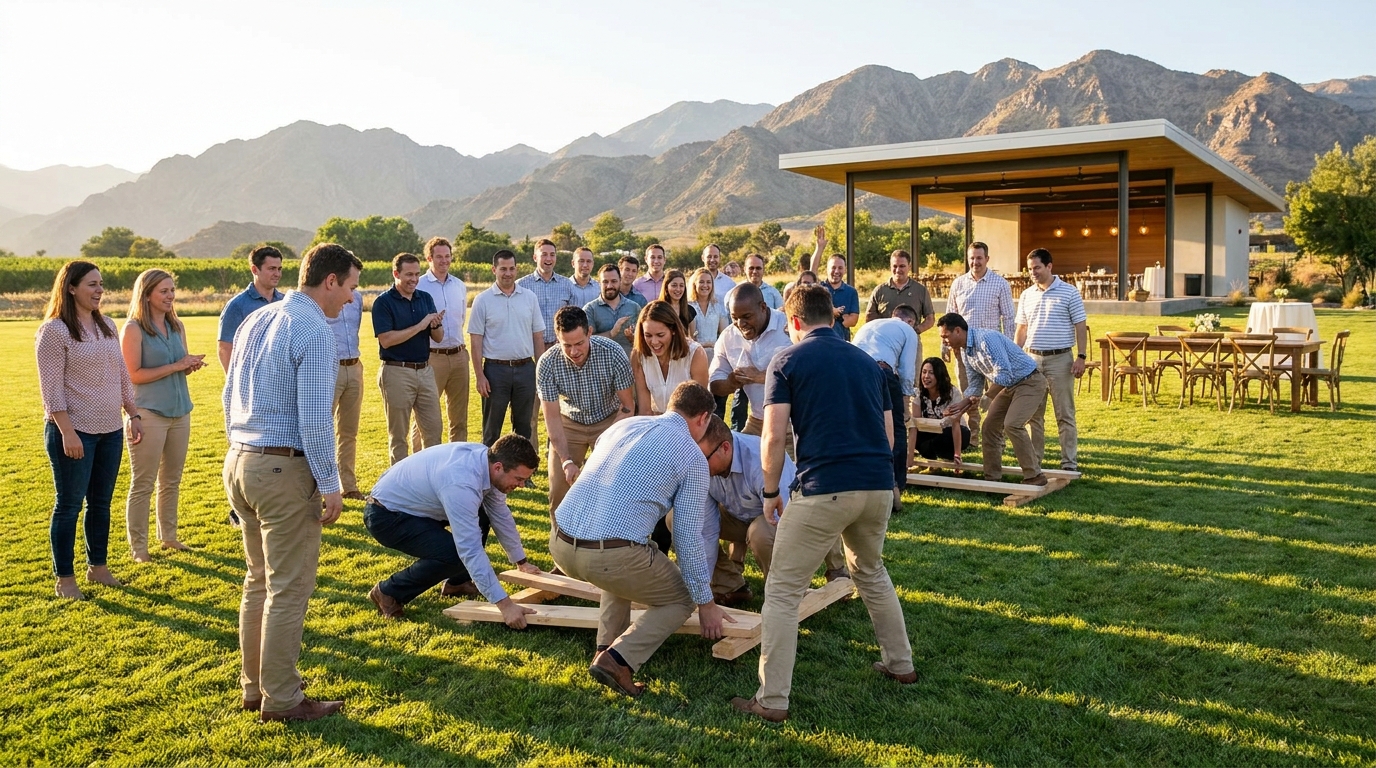
Setting Up Your Photo Management System Before the Retreat
Success begins long before anyone boards the shuttle to the retreat venue. Your photo strategy should be integrated into your corporate event planning timeline, not tacked on as a last-minute consideration.
Start by creating a centralized collection point that requires zero friction for employees. The gold standard in 2026 is a web-based platform accessible through any phone browser—no downloads, no accounts to create, no passwords to remember. When evaluating solutions like no-app photo sharing platforms, prioritize those that offer QR code access. This technology has matured significantly, allowing instant uploads simply by scanning a code with a native camera app.
Next, establish clear photo guidelines. Communication is everything here. Send a pre-retreat email template that explains your photo system in 30 seconds or less. Include what you hope employees will capture (team collaboration, candid moments, beautiful scenery) and what they should avoid (confidential documents, sensitive conversations, anyone wearing an "opt-out" indicator). One effective approach is creating "photo mission cards" for different teams—challenging marketing to capture the best "teamwork in action" shot while asking sales to document the most creative problem-solving moment.
Assign photo champions or ambassadors among your attendees. These aren't official photographers—they're enthusiastic team members who naturally encourage others to participate. They might be the person who always has their phone out anyway, or the social butterfly who knows everyone. Brief them on how the photo system works so they can troubleshoot on the spot and model the behavior you want to see.
Finally, address the opt-out question proactively. Include a simple mechanism in your pre-retreat communications for employees who prefer not to be photographed. Colored lanyards or stickers work well—green for "photograph me freely," yellow for "ask first," and red for "please don't include me in photos." This respects individual comfort while making moderation much easier later.
Real-Time Photo Collection Strategies During Your Retreat
The energy of a retreat moves fast. One moment you're in a strategic planning session, the next you're racing to a team-building activity, followed immediately by dinner and evening socializing. Your photo collection strategy needs to match this pace without becoming intrusive.
The QR code method has emerged as the most effective approach for corporate event photography in 2026. Here's why it works: guests scan a code with their phone's native camera, which immediately opens a browser-based upload portal. No app store visits, no storage concerns, no "which password did I use for this app?" frustration. When choosing a platform, look for solutions like Guest Clicks that specialize in this seamless experience—where the time from scan to upload is under 10 seconds.
Strategic placement of your QR codes matters enormously. Don't just post one sign at registration and hope for the best. Place codes on table tents at each meal, on signage at activity transitions, and on room key cards or welcome packets. One company reported 300% more photo uploads after placing QR codes on table tents at each meal, compared to their previous single-signage approach. The key is catching people when they're naturally inclined to share—right after a great moment, not hours later when they've forgotten the details.
Encourage organic photo-taking by creating a "photo wall" or live slideshow that displays real-time uploads. This gamifies participation subtly—when employees see their contributions appearing on a big screen during the evening reception, it triggers a positive feedback loop. Others want to contribute their own perspectives, creating a collaborative documentation of the experience.
Balance your professional photographer coverage with employee-generated content strategically. Use the professional for staged headshots, group photos, and key presentation moments. Let employees capture the candid interactions, the funny faces, the behind-the-scenes magic that professionals can't be everywhere to catch. This dual approach gives you both polished marketing assets and authentic culture documentation.

Moderating and Organizing Corporate Retreat Photos
Collecting hundreds of photos is exciting until you realize someone captured the whiteboard containing your Q4 financial projections, or that the candid shot of team bonding happened to include an employee who specifically opted out of photography. Moderation isn't about censorship—it's about curation and compliance.
Establish your moderation workflow before the retreat begins. Decide whether you'll moderate in real-time or post-event. Real-time moderation allows you to catch and remove sensitive content immediately, but requires dedicated staff attention during the event. Post-event moderation lets you focus on the retreat experience first, but risks inappropriate images being visible to attendees for several hours. For most corporate retreats, a hybrid approach works best: real-time moderation for anything flagged by the system or reported by users, with a full review within 24 hours of the event conclusion.
HR professionals report spending an average of 8.5 hours manually collecting and organizing retreat photos when using email and messaging apps—time that could be reduced to under 30 minutes with proper systems.
Privacy protection requires specific attention. Train your moderation team to watch for photos containing confidential information visible on laptops, whiteboards, or documents. Look for background details that might reveal sensitive client information or proprietary processes. Additionally, respect your opt-out list rigorously—if someone wore a red lanyard indicating no photos, any image containing them should be removed regardless of how great the shot is otherwise.
Organization is where many photo collections die. Without structure, you end up with 1,000 images in random order, making it impossible to find "that great shot from the hiking activity" six months later. Organize photos by both chronology (Day 1, Day 2) and activity type (team building, workshops, social events). This dual structure helps different stakeholders find what they need quickly. Marketing might want workshop photos for thought leadership content, while internal communications seeks social moments for the company newsletter.
Consider using photo collection apps with moderation tools that allow you to tag, categorize, and filter content automatically. Modern platforms can detect faces, read text in images, and even flag potential privacy concerns before they become problems.
Post-Retreat: Sharing, Storing, and Leveraging Your Photo Collection
The retreat ends, everyone returns to their home offices, and the energy dissipates—unless you have a plan for extending the experience through strategic photo distribution. The first 48 hours after your retreat are critical for maintaining momentum and emotional connection.
Distribution strategies should vary by audience. Create a curated gallery for all attendees that captures the retreat's highlights—this serves as a gratitude gesture and memory preservation. For leadership, provide access to the full collection organized by theme, allowing them to see both the strategic outcomes and the cultural wins. Marketing teams need a specific folder of brand-appropriate, high-quality images cleared for external use. Always ensure you have proper consent and media releases before using any employee photos for recruitment or public marketing.
Long-term storage requires balancing accessibility with security. Keep photos actively accessible for at least one year to support ongoing internal communications, team building reminiscing, and recruitment efforts. After that initial year, archive them in secure company storage—they become valuable historical documentation of your culture's evolution. Premium photo management platforms often include multi-year storage within their plans, saving you from managing multiple systems.
Repurposing retreat photos extends their value exponentially. One company created a year-end culture video entirely from retreat photos set to music, which became their most-shared internal communication of the year. Others use retreat photos in onboarding materials to show new hires what kind of team they're joining. Recruitment teams can build authentic employer branding campaigns showing real employees in real moments rather than staged stock photography.
Finally, measure your photo engagement and gather feedback for future retreats. Track which photos get downloaded most, which activities generated the most visual content, and survey attendees about the photo collection process. This data helps you refine your approach for next time, ensuring your team building event photo collection strategy continues to improve.
Frequently Asked Questions
How do I encourage employees to share photos without making it mandatory?
Make photo sharing effortless by eliminating app downloads—use QR codes that work instantly in any phone browser. Gamify participation with a photo wall or slideshow, and assign enthusiastic 'photo ambassadors' who naturally encourage others. Recognition works better than mandates. When employees see their contributions celebrated and shared, organic participation follows.
What should I do about employees who don't want to appear in retreat photos?
Establish clear opt-out procedures in pre-retreat communications and provide colored lanyards or badges for those preferring not to be photographed. Train photo ambassadors to respect these preferences, and implement moderation to remove any photos of opt-out individuals before sharing. Make the opt-out process simple and shame-free—privacy preferences should be respected without question.
How long should I keep corporate retreat photos accessible?
Keep photos actively accessible for at least one year to support ongoing internal communications and recruitment efforts. Archive photos indefinitely in secure storage, as they become valuable historical documentation of company culture. Premium photo management platforms offer multi-year storage within their plans, ensuring you don't lose these cultural assets to time or platform changes.
Can I use corporate retreat photos for marketing and recruitment?
Yes, but obtain proper consent first. Include photo usage terms in retreat registration materials, clearly stating that photos may be used for marketing. Always moderate photos before external use, and consider having employees sign broader media release forms if you plan extensive marketing use. When in doubt, seek explicit permission—the goodwill of respecting employee privacy outweighs the value of any single photo.
What's the best way to organize photos from multi-day retreats?
Organize by both chronology (day 1, day 2) and activity type (team building, workshops, social events). This dual structure helps different stakeholders find what they need—leadership might want workshop photos while employees seek social moments. Tag photos with searchable keywords for even easier navigation. Consider creating separate galleries for different audiences: one for employees, one for leadership, and one for marketing-approved external use.