Top Guest Photo Sharing Platforms Compared (2026 Guide)
Compare the best guest photo sharing platforms for your event. See features, pricing, and pros/cons to choose the perfect solution for weddings, parties, and more.
By Guest Clicks Team · · 11 min read
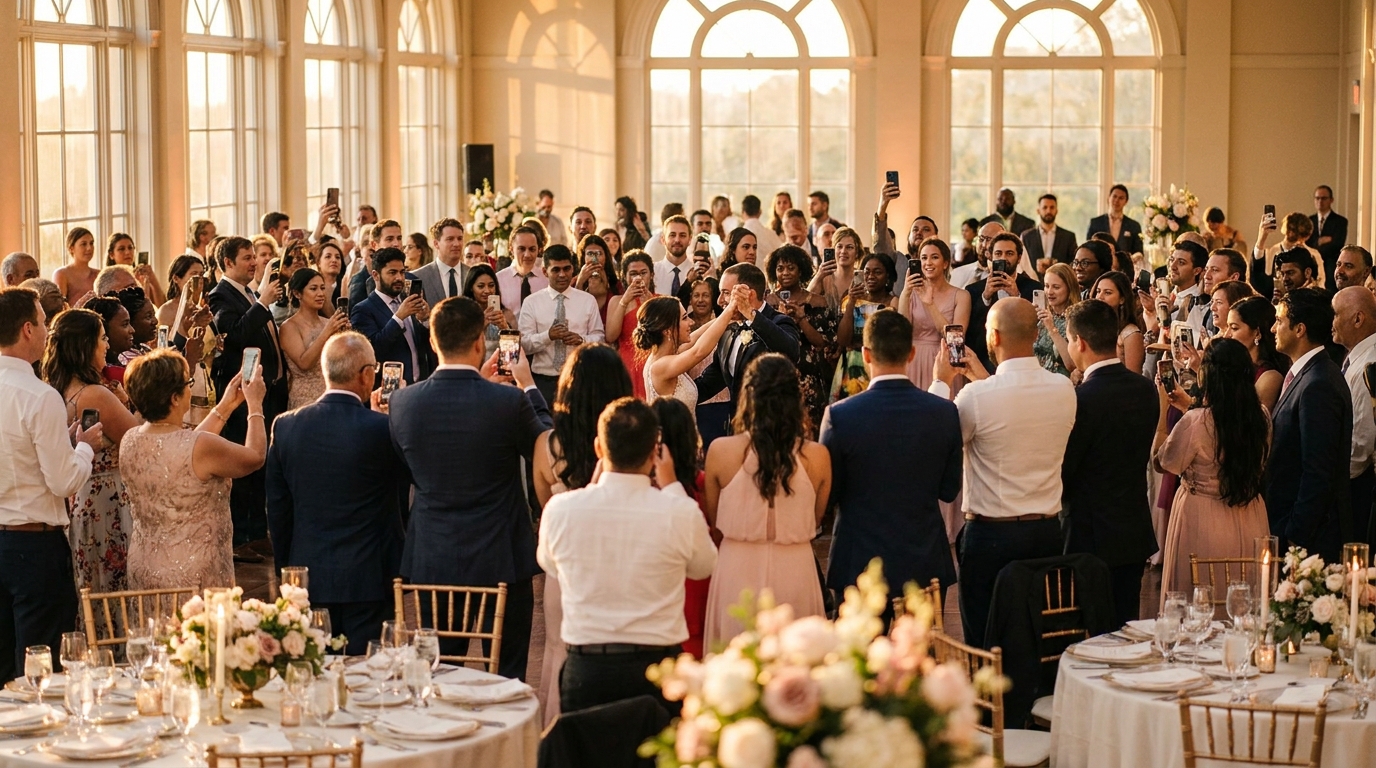
You've spent months planning the perfect event. The flowers are arranged, the playlist is curated, and the guests are having the time of their lives. Phones are out, capturing candid laughter on the dance floor, emotional toasts, and those spontaneous moments you'll never get back.
But here's what happens next: those photos disappear into the digital void. They get buried in text threads, scattered across Instagram stories that vanish in 24 hours, or trapped in the camera rolls of guests you might not see again for years.
Research shows that 78% of event guests are willing to share photos, but only 23% follow through when the process requires more than two steps.
If you're tired of chasing down memories after the fact, you're not alone. This guide breaks down everything you need to know about guest photo sharing platforms in 2026, comparing the leading solutions so you can choose the right one for your wedding, corporate event, or celebration.
Why Traditional Photo Sharing Methods Fail at Events
The "text me your photos" approach feels simple enough when you suggest it during the reception toast. But in practice? It results in only 15-20% of guests actually sharing their images. Life gets busy, people forget, and suddenly you're three months post-wedding still waiting for your college roommate to send those ceremony shots.
Social media tagging seems like an obvious solution, but it excludes guests without accounts (yes, they still exist in 2026) and scatters photos across multiple platforms. You end up checking Instagram, Facebook, TikTok, and LinkedIn just to piece together your event's story. According to photo sharing research, algorithms hide posts from people who don't interact regularly, meaning grandparents might never see the photos they're tagged in.
Email and messaging apps create organizational nightmares. You receive duplicates, lose attachments when threads get long, and struggle to organize hundreds of random file names. One bride I spoke with spent three months tracking down wedding photos from 120 guests across five different group chats, eventually giving up with less than a quarter of the images she knew existed.
The numbers tell a sobering story: the average wedding generates 2,000+ guest photos, but couples typically receive fewer than 300 without a dedicated system. Corporate events face similar challenges—one company discovered that 40% of attendees couldn't participate in photo sharing because they didn't use the organization's preferred social platform, creating an awkward divide between connected and disconnected guests.
The Two Main Types of Guest Photo Sharing Platforms
When you start researching solutions, you'll encounter two fundamentally different approaches: app-based platforms and QR code/web-based platforms.
App-based platforms require downloads, account creation, and often specific operating systems. While they offer robust features like facial recognition and advanced editing, they suffer from a critical flaw: low adoption rates. Typically, only 30-40% of guests will actually download the app, create an account, and remember to use it during your event. I've seen birthday parties where only 12 of 45 guests downloaded the required app, resulting in minimal photo collection and disappointed hosts.
QR code and web-based platforms work instantly in any mobile browser. Guests scan a code or click a link, and they're uploading photos within seconds—no storage space required, no compatibility issues, no forgotten passwords. These platforms see 75-85% guest participation because they eliminate every barrier between "I want to share this" and "It's done."
QR code-based photo sharing platforms see 3.2x higher guest participation rates compared to app-based alternatives at events with 50+ attendees.
Hybrid platforms attempt to offer both options, but often confuse guests about which method to use. "Should I download the app or use the web version?" This hesitation costs you precious moments when guests are most excited to share.
The technical barrier to entry directly correlates with the number of photos you'll ultimately collect. For corporate events where ease-of-use is paramount, browser-based solutions eliminate the IT headaches of managing multiple app versions across company and personal devices.
📸 Collect Every Guest Photo at Your Next Event
Stop chasing guests for photos. With Guest Clicks, you create a QR code, guests scan and upload — it's that simple. No app downloads, no hassle.

Feature-by-Feature Platform Comparison
Not all photo sharing platforms are created equal. When evaluating options for your 2026 events, look for these essential features first: instant upload capabilities, real-time gallery viewing, easy photo downloads for the host, and full mobile optimization. If a platform makes guests pinch and zoom to navigate, they'll abandon it before uploading their first photo.
Premium features become important depending on your event type. Video support is non-negotiable for modern weddings and corporate retreats—static images alone can't capture the energy of a packed dance floor or the emotion of a keynote speech. Unlimited storage prevents the awkward moment when your gallery hits capacity halfway through the reception. Custom branding matters for corporate events, while advanced moderation tools let you approve photos before they appear (crucial for professional gatherings).
QR code platforms like Guest Clicks eliminate app friction entirely while offering robust free tiers that include 100 photos—perfect for small dinner parties or intimate gatherings. For larger events, moderation tools become essential when you need to maintain professional standards or family-friendly content.
Consider whether you need specialized features like facial recognition (great for finding photos of the birthday girl among hundreds of uploads), AI organization (automatically sorting by time or location), or professional photographer integration (combining pro shots with guest perspectives). A corporate retreat might need video testimonials and photo moderation before display—features only available on premium plans. Meanwhile, a casual backyard graduation party might find that a free plan with 100-photo capacity is perfectly sufficient for capturing the day's highlights.
Pricing Models: Free vs. Premium Plans Explained
Understanding the pricing landscape helps you budget appropriately without overpaying for features you'll never use. Free plans typically limit photo counts (usually 50-100), storage (100-200MB), and event duration (often 24-48 hours). These work beautifully for small gatherings under 30 guests where you expect limited photo activity.
Premium plans generally range from $30-80 per year, offering unlimited photos, video support, extended storage periods, and the ability to host multiple events. When you break down the cost per event, most premium plans cost less than a nice bottle of wine—but preserve memories worth infinitely more. As noted by technology reviewers, the best value comes from platforms that balance features with accessibility.
The average premium photo sharing platform costs $49-65 per year, but delivers $500+ in value by preserving memories that would otherwise be lost in group chats and forgotten phone galleries.
Guest Clicks Premium hits the sweet spot at $49 per year, offering unlimited uploads, 10GB storage, video support, and full moderation tools. This pricing makes it accessible for couples planning weddings while remaining professional enough for corporate event managers organizing quarterly gatherings.
Calculate your needs realistically: small parties under 30 guests usually stay within free limits; weddings and corporate events with 50+ attendees almost always need premium. One wedding planner I know used a free trial for a small engagement party to test the platform, then upgraded to premium for the wedding itself when she realized they'd hit the 100-photo limit within the first hour. An HR manager purchased an annual premium plan to cover four quarterly company events throughout 2026, amortizing the cost to just over $12 per event.

Platform-Specific Strengths: Which One for Your Event?
Different events demand different solutions. Wedding-focused platforms often bundle photo sharing with RSVP management, registry links, and seating charts. While comprehensive, these suites may overcomplicate simple photo sharing when guests just want to upload quickly and get back to the celebration. For weddings specifically, look for platforms that prioritize speed and simplicity over all-in-one management tools.
QR code platforms excel at spontaneous participation across any event type—from music festivals to corporate team-building to family reunions. Guest Clicks' browser-based approach works universally without requiring different tools for different occasions. This versatility matters when you're planning a destination wedding with international guests who might not have access to the same app stores, or a community festival needing thousands of attendees to share photos without overwhelming their phone storage.
App-based platforms offer sophisticated organization features—automatic sorting, AI tagging, and advanced search—but sacrifice guest participation rates. They're best suited for small, tech-savvy groups where everyone commits to downloading beforehand.
Consider your guest demographics. A 50th anniversary party with older relatives needs dead-simple technology without downloads. A tech conference with digital natives might appreciate advanced features enough to justify lower participation rates. A music festival needs to accommodate thousands of simultaneous uploads without crashing servers.
The key is matching the platform's strengths to your event's specific constraints: guest count, technical comfort level, duration, and whether you need professional moderation or casual sharing.
User Experience: What Your Guests Will Actually Do
Let's talk about what really happens when guests arrive at your event. They've dressed up, found their seats, and pulled out their phones to capture the moment. At this critical point, every additional step required to share that photo reduces the likelihood they'll follow through by approximately 50%.
Guest participation drops dramatically with each barrier: app download, account creation, permission requests, password entry. By the time they've navigated three screens, the moment has passed and they're back to their dinner conversation.
QR codes have achieved universal recognition by 2026. Guests scan with their native camera app and upload in under 15 seconds. It's become as intuitive as taking the photo itself. Password protection offers necessary privacy for sensitive events, but keep it simple—too many security steps reduce participation significantly.
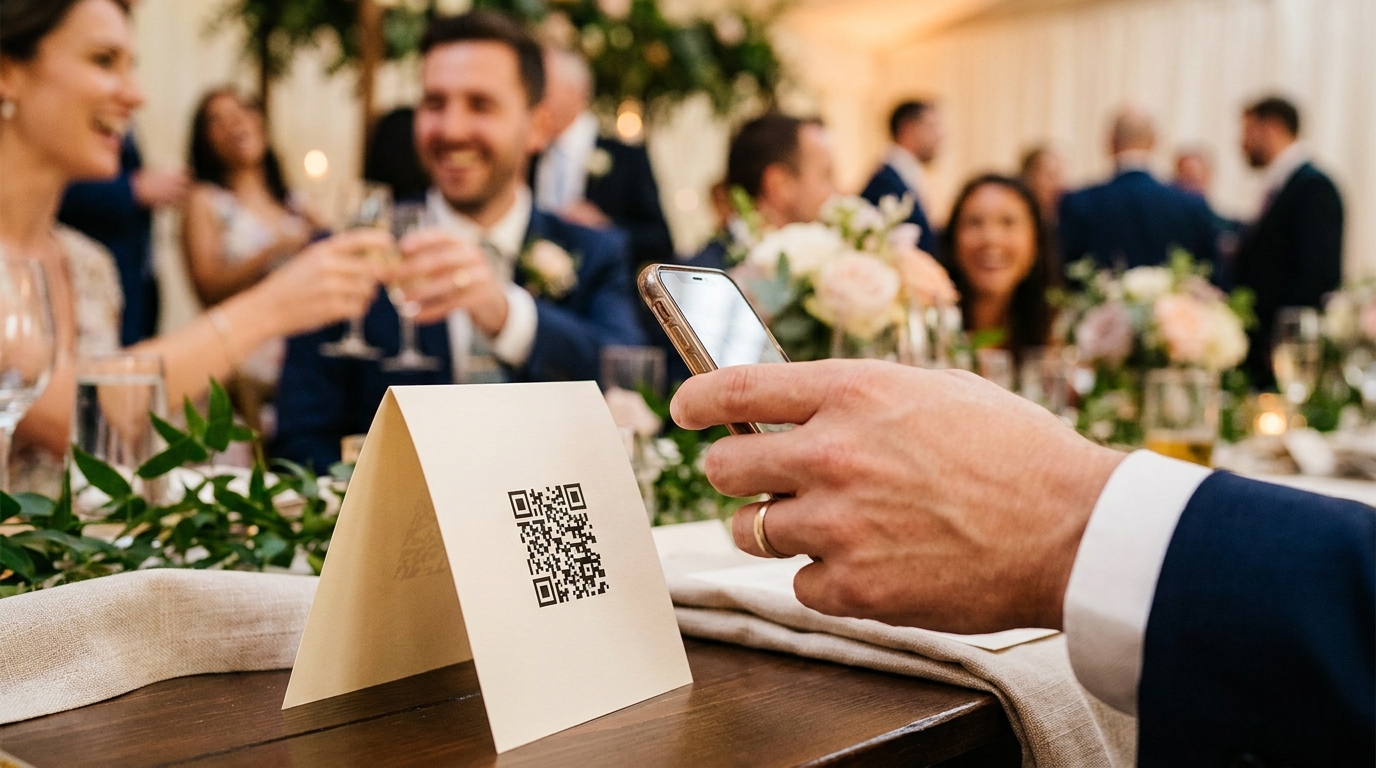
Real-time gallery viewing creates a positive feedback loop. When guests see their photos appear instantly alongside others, they're motivated to upload more. It becomes a shared experience rather than a black box. One 50th birthday party placed table tent QR codes at every setting, resulting in 85% guest participation compared to just 35% at a previous party using an app-based solution. At a corporate event, instant gallery display on lobby screens motivated employees to upload professional-quality photos knowing their colleagues would see them immediately.
For more insights on why no-app solutions improve guest engagement, consider how removing friction changes behavior at celebrations.
Frequently Asked Questions
Do guests need to download an app to share photos?
It depends on the platform. QR code-based platforms like Guest Clicks work directly in your phone's browser without any app download. App-based platforms require installation, which typically reduces guest participation by 50-60% compared to browser-based solutions.
What's the best photo sharing platform for weddings?
QR code platforms offer the best balance of ease-of-use and photo collection for weddings. Guest Clicks Premium ($49/year) provides unlimited photo and video uploads, 10GB storage, and moderation tools—perfect for capturing every moment from 100+ wedding guests without technical barriers.
Are free photo sharing platforms good enough for events?
Free plans work well for small gatherings under 30 guests with limited photo expectations (typically 50-100 photo caps). For weddings, corporate events, or multi-day celebrations, premium plans are essential to avoid hitting storage limits mid-event and to access video support and advanced features.
How do QR code photo sharing platforms work?
Guests simply scan a QR code with their phone camera, which opens a browser page where they can instantly upload photos. No app download or account creation required. Photos appear in a real-time gallery that all guests can view, and the event organizer can download everything as a ZIP file.
Can I control which photos appear in the gallery?
Most premium platforms include moderation tools that let you review photos before they go live. This is especially valuable for corporate events or family gatherings. Guest Clicks Premium includes full moderation controls, while the free version offers password protection to limit who can upload.