Guest Photo Collection Apps With Moderation Tools (2026)
Discover the best guest photo collection apps with moderation tools in 2026. Compare features, pricing, and find the perfect solution for your event.
By Guest Clicks Team · · 12 min read
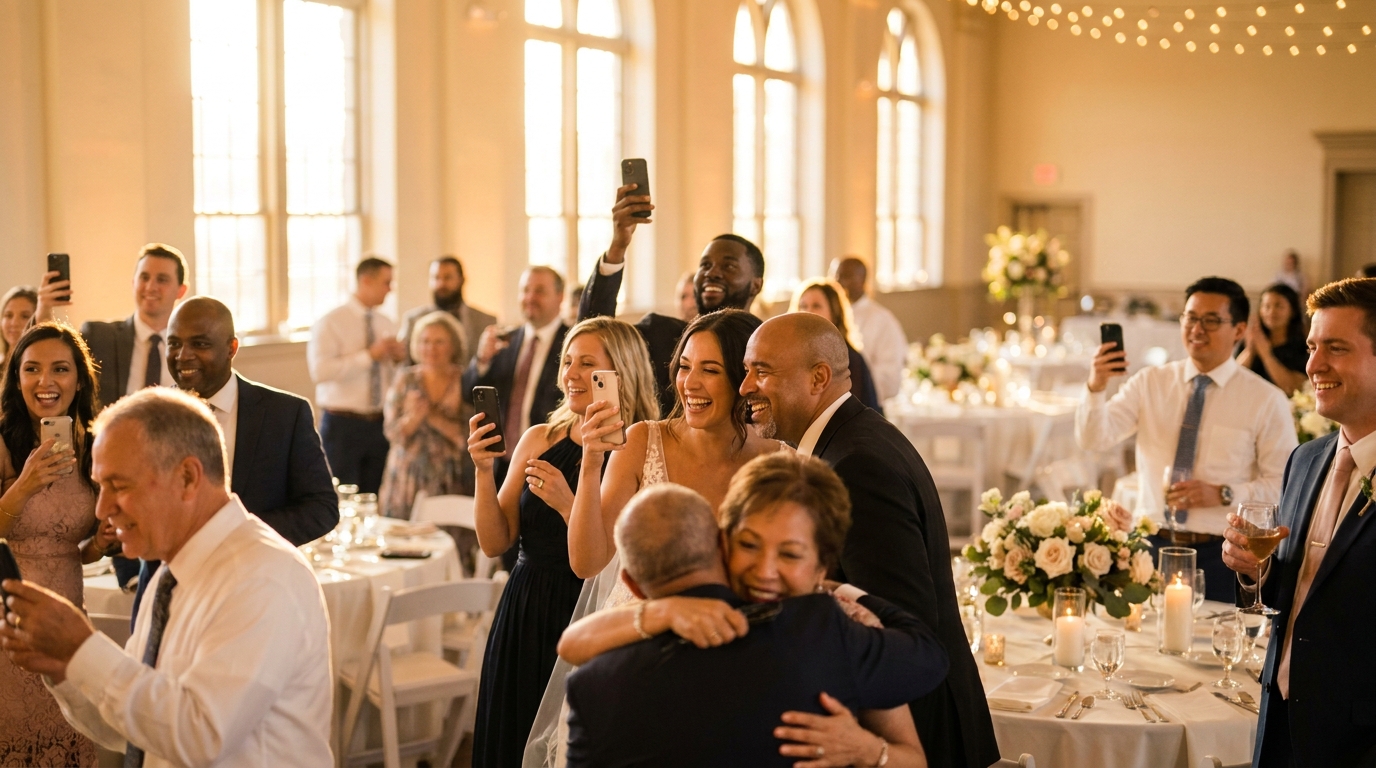
You've spent months planning the perfect event. The venue is stunning, the catering is exceptional, and the guest list is filled with your favorite people. Then someone uploads a blurry photo of their thumb, another guest shares an unflattering candid of the bride mid-bite, and suddenly your carefully curated wedding gallery includes a screenshot of someone's grocery list. Without moderation tools, your event photo collection can quickly become a digital junk drawer rather than the treasured keepsake you envisioned.
Modern event organizers face a delicate balancing act: encouraging enthusiastic guest participation while maintaining quality control over what actually appears in shared galleries. The right photo collection platform doesn't just make uploading easy—it gives you the controls to curate memories worth keeping. Let's explore what moderation features actually matter and how to choose a platform that protects your event's integrity without creating a bureaucratic headache for you or your guests.

Why Moderation Tools Matter for Event Photo Collection
When you open your event to guest photography, you're essentially inviting hundreds of amateur photographers with varying standards of quality, privacy awareness, and social etiquette to contribute to your permanent record. That might sound alarming, but it's simply the reality of collaborative photo sharing in 2026.
Privacy concerns top the list of reasons organizers need moderation capabilities. Not every moment captured by guests deserves public visibility—especially when children are present, sensitive family dynamics exist, or corporate confidentiality is at stake. A wedding coordinator recently shared how she discovered unflattering photos of the couple's elderly relative in the gallery before the newlyweds saw them, allowing her to remove the images discreetly before they caused any distress.
Quality control presents another challenge. Duplicate photos, blurry shots taken in low light, accidental screenshots of the camera roll, and meme screenshots can clutter your gallery faster than you might expect. For corporate events, brand protection adds another layer of complexity. When an employee accidentally uploaded confidential presentation slides to the shared gallery at a recent tech conference, the organizer was grateful for real-time moderation tools that caught the content within minutes.
73% of event organizers report that unmoderated photo galleries contained at least one image they wished hadn't been shared, highlighting the importance of control features in modern photo collection platforms.
Beyond the obvious concerns, moderation tools serve a subtle psychological purpose. When guests know content is being reviewed, they're more likely to upload their best shots rather than rapid-fire everything from their camera roll. This creates a higher-quality collection overall and reduces the overwhelm of sorting through hundreds of nearly identical images later.
Essential Moderation Features to Look For
Not all moderation tools are created equal, and understanding the differences can save you significant time and stress during your event. The first distinction to understand is pre-approval versus post-upload moderation. Pre-approval workflows hold photos in a pending queue until you review them, ensuring nothing appears in the public gallery without your consent. Post-upload moderation shows photos immediately but allows you to remove them afterward. Each approach has merits—pre-approval offers maximum control but requires more active management, while post-upload moderation feels more spontaneous but risks brief exposure of unwanted content.
Bulk moderation tools become essential for events with significant guest participation. When you're managing 800 photos from 200 wedding guests, individually approving each image becomes impractical. Look for platforms that allow you to select multiple photos simultaneously, filter by upload time, or batch-approve trusted contributors while flagging others for review.
Privacy controls extend beyond simple moderation. Password-protected galleries prevent uninvited viewers from accessing your event photos, while download restrictions let you control whether guests can save individual images or bulk-download the entire collection. Expiration dates ensure photos don't live online indefinitely, which matters particularly for corporate events handling sensitive information.
Notification systems round out the essential feature set. When new uploads arrive, you want discrete alerts that don't interrupt your event but keep you informed. The best platforms offer mobile-friendly moderation dashboards that let you approve photos from your phone while mingling with guests.
📸 Collect Every Guest Photo at Your Next Event
Stop chasing guests for photos. With Guest Clicks, you create a QR code, guests scan and upload — it's that simple. No app downloads, no hassle.

Comparing Guest Photo Collection Platforms in 2026
The landscape of photo sharing apps has evolved significantly, with a clear divide emerging between traditional app-based solutions and modern browser-based alternatives. Understanding this distinction matters tremendously for both participation rates and moderation workflows.
App-based platforms require guests to download software, create accounts, and navigate multiple steps before uploading. While these apps often offer robust editing features, they create friction that dramatically reduces participation. Browser-based solutions, particularly those utilizing QR codes, eliminate the download barrier entirely. Guests scan, upload, and they're done—all within their native camera app or mobile browser.
This participation gap has real implications for moderation. Events using QR code photo sharing see significantly higher guest participation compared to app-based platforms, which means more authentic moments captured but also more content requiring review. When evaluating top guest photo sharing platforms, consider whether the increased volume of photos justifies the higher engagement rates.
Pricing structures in 2026 typically follow a freemium model, but pay close attention to which moderation features are locked behind paywalls. Basic deletion tools often come free, while advanced features like pre-approval workflows, bulk actions, and detailed privacy controls usually require premium subscriptions. For a typical 150-guest wedding generating 400-600 photos, storage limits become crucial—many free tiers cap storage at 100-200 photos, forcing you to upgrade mid-event or risk losing uploads.
When exploring event photo apps that work without downloading, look for platforms that maintain robust moderation capabilities despite their simplified user experience. The best solutions combine the accessibility of QR codes with professional-grade control tools that don't require you to compromise on quality standards.
Events using QR code photo sharing see 2.6x more guest participation compared to app-based platforms, but this also means more photos to moderate—making robust moderation tools essential rather than optional.
Best Practices for Moderating Guest Photos
Effective moderation isn't just about the tools you choose—it's about how you implement them. Start by setting clear photo guidelines for guests. Simple signage near the QR code display, brief announcements during speeches, or printed cards on tables can communicate expectations: "Share your best moments—please keep it family-friendly and avoid screenshots or duplicates."
Timing your moderation strategy depends on your event type and personal bandwidth. Real-time moderation during the event keeps your gallery fresh and exciting for guests who check back throughout the celebration, but it requires dedicated attention. Batch reviewing photos the morning after works well for more casual gatherings where immediate gallery updates aren't critical.
Delegation proves invaluable for larger events. Create a moderation buddy system by sharing access with your wedding planner, maid of honor, or a trusted colleague at corporate functions. They can handle routine approvals while you focus on enjoying your event, stepping in only for questionable content that needs your judgment. One wedding couple assigned their photographer as a backup moderator, ensuring professional eyes were reviewing uploads alongside the guests.
Communication about your moderation process sets appropriate expectations. Letting guests know that photos appear after a quick review (for pre-approval systems) or that you may remove duplicates later (for post-upload systems) prevents confusion when uploads don't appear instantly. Transparency builds trust and encourages better-quality submissions.
For additional guidance on maintaining gallery quality, check out these wedding photo moderation tips that apply equally well to other event types.

How QR Code Photo Sharing Simplifies Moderation
The shift toward QR code-based photo sharing represents more than just convenience—it fundamentally changes how moderation works for the better. When guests can upload instantly without downloading apps, you capture moments that might otherwise be missed, but you also gain organizational advantages that make moderation less burdensome.
Browser-based uploads typically provide better metadata than app-based alternatives, including timestamps and device information that help you organize photos chronologically or by contributor. This metadata proves invaluable when you're trying to locate specific moments during a busy reception or corporate dinner.
Instant access for organizers means no waiting for guests to text you photos or email links after the event. Everything flows into one centralized location where you can moderate, download, and share from a single dashboard. One event organizer recently moderated 500 photos in just 20 minutes using mobile-friendly tools, approving batches of candid shots while enjoying coffee the morning after her anniversary party.
The participation rates achieved through QR codes—often hitting 70% or higher compared to roughly 30% for app-based solutions—mean you're working with a more complete picture of your event. While this increases the volume of photos to review, it also ensures you're not missing golden moments that only guests could capture.
Platforms like Guest Clicks have optimized this workflow specifically for event organizers, combining the accessibility of QR codes with moderation dashboards that let you approve, reject, or download in seconds from any device.
Choosing the Right Platform for Your Event Type
Different events demand different moderation approaches. Weddings require long-term storage solutions and high-resolution downloads, plus sensitivity around romantic moments and family dynamics. You'll want robust privacy controls to protect intimate moments while still encouraging guests to share candid shots. Many wedding photographers now use guest photo collection apps alongside their professional work to capture angles they missed.
Corporate events introduce compliance considerations and brand consistency requirements. HR managers need moderation tools that can handle hundreds of employees while maintaining professional image standards. The ability to quickly remove accidentally uploaded confidential information or unflattering photos of executives becomes crucial. For large-scale corporate gatherings, consider trade show photo collection strategies that balance brand protection with authentic attendee engagement.
Birthday parties and family gatherings prioritize child safety and privacy from non-guests. Parents particularly appreciate platforms that offer password protection and the ability to restrict downloads, ensuring photos of children don't circulate beyond the invited guest list. One parent recently organized a Sweet 16 party where she could approve every photo showing her daughter before it appeared in the shared gallery, giving her peace of mind without dampening the teens' enthusiasm for sharing.
The average wedding generates 450-600 guest photos when using accessible sharing methods, making bulk moderation tools a necessity rather than a luxury for efficient gallery management.
Flexible pricing plans accommodate these varying scales effectively. Free tiers work beautifully for small dinner parties or intimate gatherings under 50 guests, while premium subscriptions with unlimited storage and advanced moderation features justify their cost for weddings, corporate retreats, and large family reunions.
Frequently Asked Questions
Can guests see photos before they're approved by the moderator?
This depends on the platform. Some apps use pre-approval moderation where photos only appear after review, while others show photos immediately with post-upload moderation. Guest Clicks offers flexible moderation settings, allowing organizers to choose real-time approval or post-event review based on their comfort level and event type.
What happens to rejected photos in guest photo collection apps?
Rejected photos are typically hidden from the public gallery but retained in a private archive accessible only to the event organizer. This allows you to reconsider decisions later or permanently delete unwanted images. The guest who uploaded the photo usually doesn't receive a notification about rejection to avoid awkwardness.
Do I need to moderate every single photo at my event?
Not necessarily. Many organizers use moderation as a safety net rather than reviewing every image. You can set up notifications for new uploads and spot-check periodically, or batch-review photos after the event. For most gatherings with trusted guests, serious moderation issues are rare—the tools are there when you need them.
Can multiple people moderate the same event photo gallery?
Yes, most modern platforms including Guest Clicks allow you to share moderation access with trusted coordinators, wedding planners, or co-hosts. This is especially helpful for large events where one person can't review hundreds of photos alone. Each moderator typically sees the same pending queue and can approve or reject independently.
Are moderation tools available on free photo collection apps?
Basic moderation features like manual photo deletion are usually available on free plans, but advanced tools like pre-approval workflows, bulk actions, and detailed privacy controls often require premium subscriptions. Guest Clicks offers robust moderation on both free and premium tiers, with the premium plan adding features like video moderation and extended storage.
Whether you're planning an intimate birthday celebration or a corporate conference for hundreds, the right photo collection platform with robust moderation tools ensures your memories reflect the best moments of your event—without the digital clutter. By choosing a solution that balances guest accessibility with your need for quality control, you'll create a gallery that guests actually want to revisit and share for years to come.