Best QR Photo Sharing App for Weddings 2026 | Complete Guide
Discover the best QR photo sharing apps for weddings in 2026. Compare features, pricing, and find the perfect solution to collect every guest photo effortlessly.
By Guest Clicks Team · · 12 min read
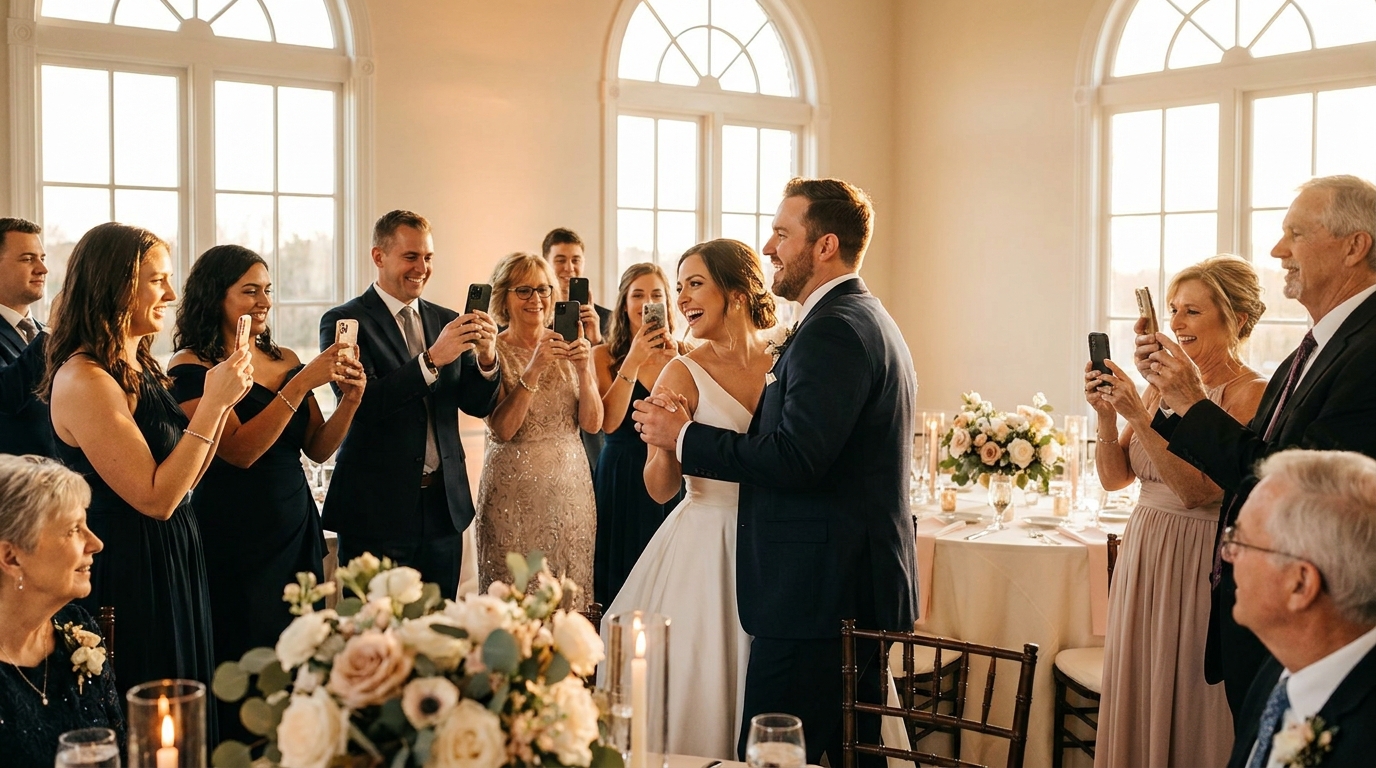
You've spent months planning every detail of your wedding—the flowers, the venue, the perfect playlist. But here's something no one tells you during vendor meetings: you'll miss most of the candid moments. While you're greeting guests at the ceremony or stealing quiet moments during dinner, your friends and family are capturing hundreds of precious photos on their phones. The problem? Traditional methods of collecting these images—Instagram hashtags, disposable cameras, or begging guests to email photos weeks later—leave you with fragments of your day. In 2026, smart couples are turning to QR code photo sharing to bridge this gap, ensuring they receive every laugh, tear, and dance move their guests witness. This guide explores the best QR photo sharing apps for weddings in 2026, helping you choose a solution that captures your complete celebration without adding stress to your big day.
Why QR Code Photo Sharing Has Become Essential for Modern Weddings
Let's be honest about the current state of wedding photo collection. When you create a custom hashtag and hope guests use it, you're competing with every other event in their feed. When you ask them to download a specific app, you lose half your guests before the ceremony even starts. Email requests sent three weeks after the honeymoon? You'll be lucky to receive a handful of blurry snapshots.
The friction built into these traditional methods means couples typically receive only 20-30% of the photos guests actually take. That's thousands of moments—your grandmother laughing at the speeches, your college friends recreating their signature dance moves, the sunset photos your photographer missed because they were indoors—lost to technological barriers.
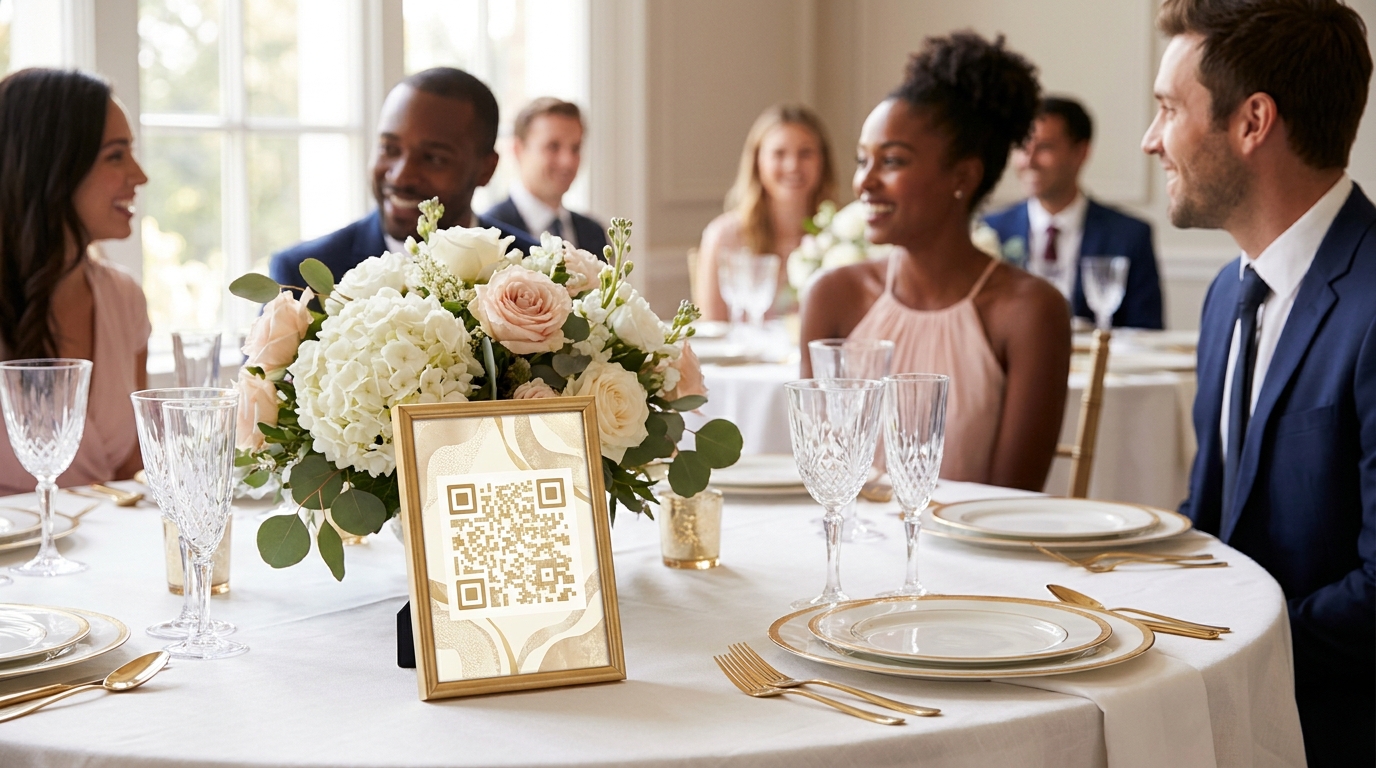
QR code photo sharing eliminates these obstacles entirely. Instead of requiring downloads, account creation, or social media posting, guests simply point their phone camera at a code printed on their table card or welcome sign. Their browser opens instantly, and they can select photos directly from their camera roll. Within seconds, those images appear in your live gallery.
This accessibility transforms participation rates. Consider Sarah and Marcus, who married last spring with 150 guests. Using a traditional hashtag at their engagement party, they collected 47 photos. At their wedding, using a no-app photo sharing system, they received over 800 images by the end of the night—from the same guest list. Even better, elderly relatives who "don't do apps" successfully uploaded photos without asking for help, simply because the process felt as natural as scanning a restaurant menu.
Key Features to Look for in a Wedding QR Photo Sharing App
Not all QR photo sharing platforms are created equal. When evaluating the best QR photo sharing apps for weddings 2026 has to offer, focus on these essential capabilities that separate professional-grade tools from basic solutions.
No-App Functionality
The entire point of QR sharing is removing friction. Ensure your chosen platform works directly in mobile browsers (Safari, Chrome, Samsung Internet) without forcing guests to download software. This single feature determines whether your tech-hesitant aunt participates or stays silent.
Unlimited Uploads and Video Support
Weddings generate massive amounts of content. Between the ceremony, cocktail hour, reception, and after-party, guests collectively capture thousands of images. Free plans often cap uploads at 100-200 photos—sufficient for a dinner party but woefully inadequate for a wedding. Look for unlimited photo and video support, especially for capturing emotional toasts or impromptu dance performances your videographer might miss.
Real-Time Moderation Tools
You want candid photos, but you also want control. Quality platforms offer moderation dashboards where you can review uploads before they appear in the public gallery. This prevents duplicates, blurry shots, or any images you'd prefer to keep private from appearing on the screens you've set up for guests to view during the reception.
Bulk Download and Storage Duration
After the celebration ends, you'll want your photos organized and accessible. Ensure your platform offers ZIP file downloads of entire galleries and keeps your photos hosted for at least 12 months. This gives you time to create thank-you cards, albums, and backups without rushing during your honeymoon.
📸 Collect Every Guest Photo at Your Next Event
Stop chasing guests for photos. With Guest Clicks, you create a QR code, guests scan and upload — it's that simple. No app downloads, no hassle.
How QR Photo Sharing Works at Your Wedding: A Step-by-Step Guide
Setting up QR photo sharing is surprisingly simple, requiring less technical know-how than configuring your wedding website. Here's exactly how the process unfolds from planning to post-honeymoon.
Pre-Wedding Setup (2 Minutes)
First, create your event in your chosen platform. You'll name your wedding, set a date, and optionally add a password for privacy. The system generates a unique QR code instantly. Download this code in high resolution for printing on various materials.
Strategic Display Placement
Visibility determines participation. Place QR codes on welcome signs at the venue entrance, individual table cards, ceremony programs, and near the photo booth. One couple placed acrylic-etched QR codes in wooden frames as part of their centerpieces—functional decor that generated 600+ uploads by the end of the night.
The Guest Experience
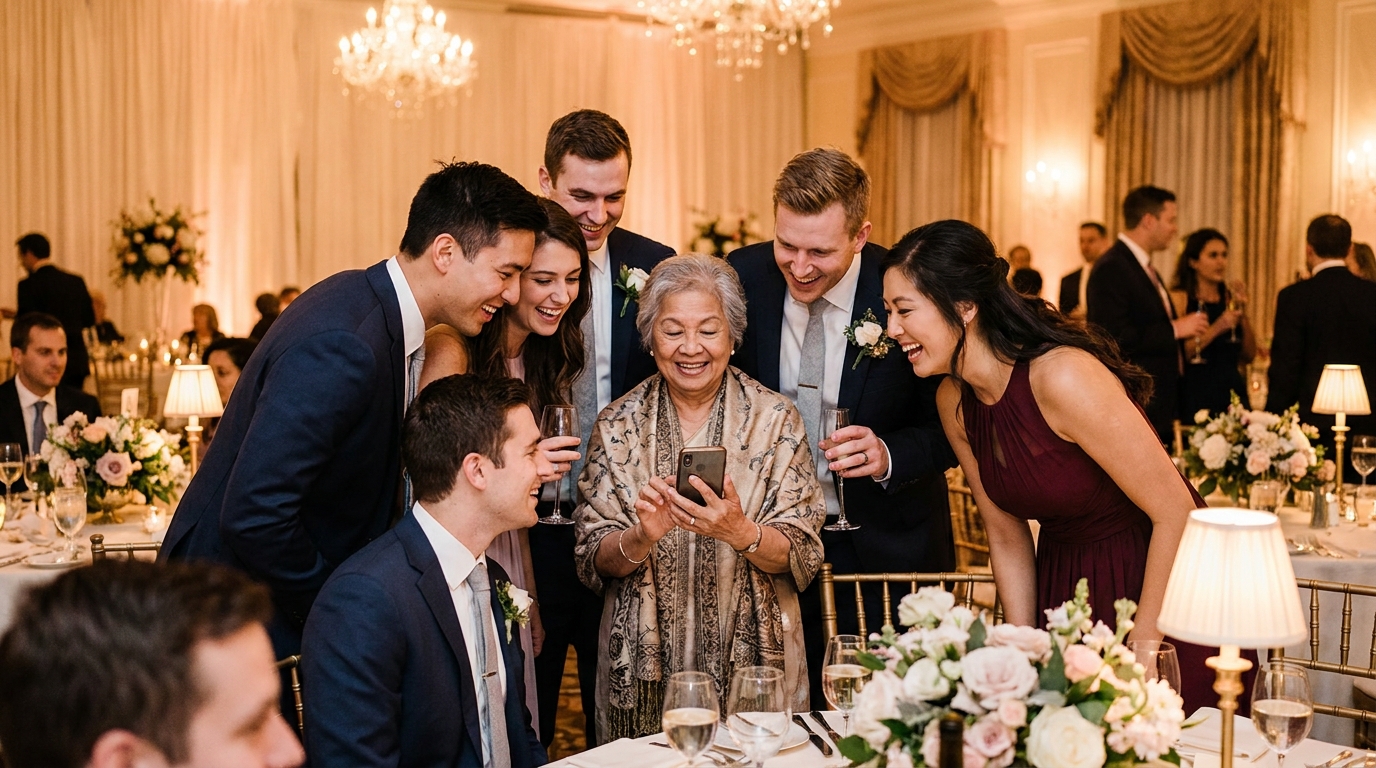
When guests arrive, they open their phone camera and point it at any QR code. Their browser opens to your upload page—no login required. They tap "Select Photos," choose images from their camera roll, and tap upload. The process takes under 30 seconds. Photos appear in your live gallery within moments, viewable on screens around the venue or on your phone.
Post-Wedding Collection
After your celebration, access your complete gallery through the organizer dashboard. Download photos individually or as bulk ZIP files. Most couples spend a quiet evening during their first week home scrolling through the candid moments they missed, discovering gems like their flower girl's secret dance party or their parents' emotional first look.
Couples using QR photo sharing typically receive 4-5x more guest photos than those relying solely on hashtags or email requests.
Comparing Top QR Photo Sharing Solutions for Weddings in 2026
The market for wedding photo sharing has matured significantly, with several platforms competing for couples' attention. When comparing options, focus on guest experience rather than flashy marketing.
Guest Clicks offers a compelling entry point with a free tier supporting 100 photos—perfect for intimate rehearsal dinners or engagement parties. Their Premium plan ($49/year) provides unlimited uploads, video support, 10GB of storage, and advanced moderation tools. This pricing structure works well for couples planning multiple events (shower, bachelor party, wedding) under one subscription.
When evaluating top guest photo sharing platforms compared for 2026, prioritize browser-based access over app-dependent solutions. The best photo sharing sites emphasize mobile optimization and upload speed—crucial when 50 guests try uploading simultaneously during the cake cutting.
Free plans serve smaller gatherings well, but weddings with 100+ guests require unlimited uploads. Hitting a photo cap mid-reception creates an awkward experience where late-arriving guests can't participate. Similarly, video support has become essential in 2026; guests increasingly capture short clips of speeches, dances, and reactions that still photos simply can't convey.
The average wedding guest takes 20-30 photos on their phone but shares fewer than 5 through traditional methods—QR codes bridge this participation gap.
Real Wedding Success Stories: QR Photo Sharing in Action
Nothing illustrates the power of QR photo sharing better than real weddings where technology enhanced rather than complicated the celebration.
The Intimate Backyard Wedding (50 Guests)
Emma and Jake hosted a garden ceremony with just their closest family and friends. Their professional photographer focused on formal portraits, but QR sharing captured the candid moments: Jake's grandmother teaching the flower girl to braid grass, the groomsmen secretly practicing their speeches behind the garage, and Emma's tearful hug with her childhood best friend. The couple discovered their favorite photo of the day—a sunset silhouette they never posed for—came from a guest's phone, not the professional camera.
The Grand Ballroom Celebration (200+ Guests)
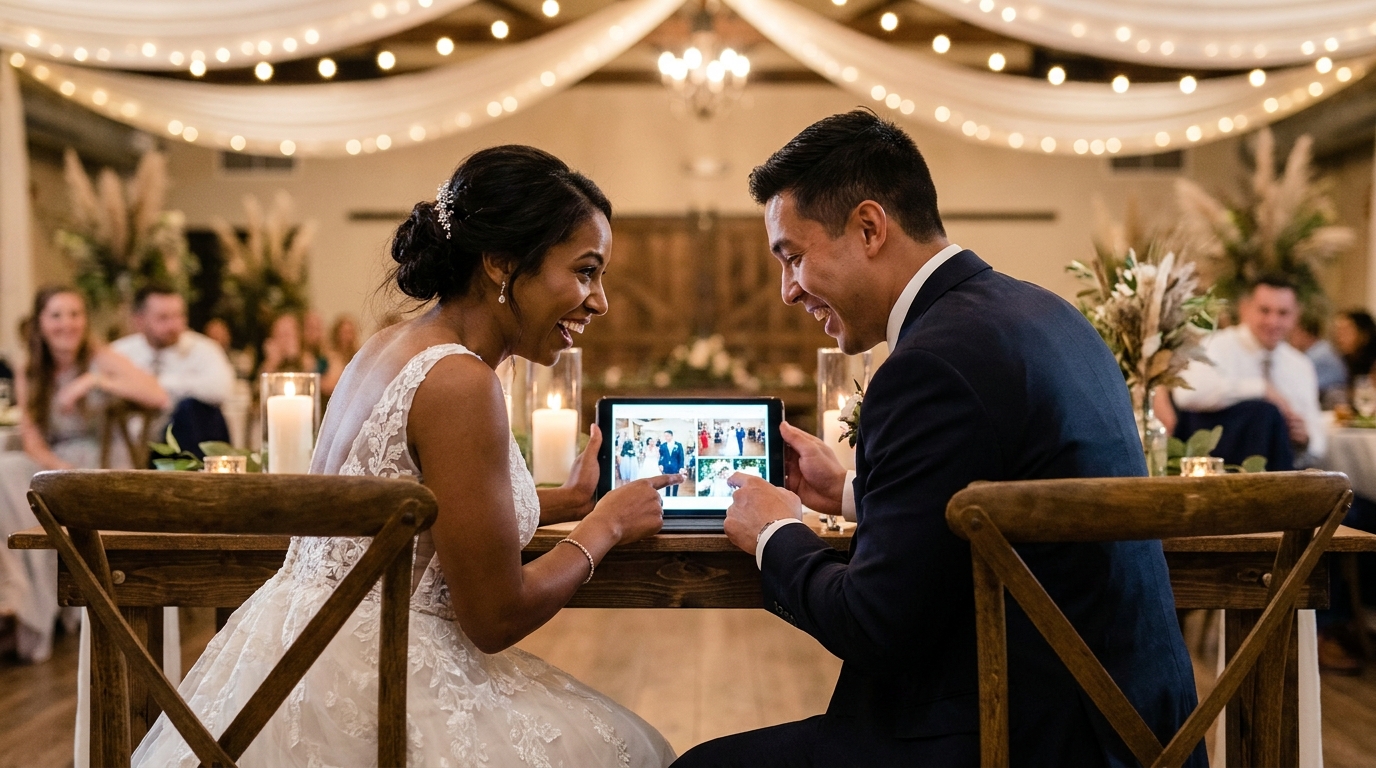
For larger weddings, moderation tools become invaluable. When Priya and David married with 200 guests, they used real-time moderation to curate a live slideshow during the reception. As photos uploaded, they approved the best shots to display on screens around the venue, creating an evolving visual story of the night. Guests loved seeing their contributions appear moments after taking them, creating a feedback loop that encouraged even more sharing.
The Destination Wedding
International celebrations present unique challenges—different phone carriers, varying app availability, and guests reluctant to use data roaming. Browser-based QR sharing solves this elegantly. One couple married in Tuscany with guests from six countries; everyone participated equally because the system worked on any device with internet access, requiring no international app store downloads.
Browser-based photo sharing eliminates the #1 barrier to guest participation: 73% of wedding guests say they won't download an app for a single event.
Pro Tips for Maximizing Guest Photo Participation at Your Wedding
Even the best technology benefits from strategic implementation. These tactics ensure your QR codes don't just sit ignored on table cards.
Make Announcements Natural
Have your DJ or MC mention photo sharing during the welcome toast or as dinner begins. One couple achieved 85% participation simply by having the best man include a reminder in his speech: "If you got a great shot of these two idiots dancing, scan the code on your table and share it—we're building a real-time album tonight."
Create Visual Incentives
Set up a tablet or screen displaying the live gallery in the cocktail area or near the bar. When guests see their photos appearing in real-time alongside everyone else's, it triggers a "I want to contribute too" response. Consider hosting a "best candid photo" contest with a small prize announced at the end of the night.
Design for Your Aesthetic
QR codes don't have to be ugly black squares. Modern photo sharing allows customization to match your wedding colors and fonts. Integrate codes into your existing stationery design so they feel like intentional decor rather than technological intrusions.
Prepare for All Comfort Levels
While QR codes are intuitive, provide simple printed instructions for guests unfamiliar with the technology: "Point your camera here → Tap the link → Select your photos → Upload." Test your setup with family members of varying tech comfort levels one week before the wedding to identify any confusion points.
For venues with spotty cell service, consider digital vs physical photo sharing backup plans. Providing the guest WiFi password prominently near your QR codes ensures connectivity, though most platforms allow guests to take photos during the event and upload them later when they regain signal.
Frequently Asked Questions
Do guests need to download an app to share photos with a QR code system?
No, the best QR photo sharing systems work directly in your phone's web browser. Guests simply scan the code with their camera, and they can upload photos immediately without downloading anything. This makes participation much easier, especially for older guests or those with limited phone storage.
How many photos can guests upload at a wedding using QR code sharing?
This depends on your chosen platform. Free plans typically limit uploads to 100-200 photos total, which works for small gatherings. For full weddings, premium plans offer unlimited uploads—essential since guests at a typical 100-person wedding collectively take 2,000+ photos throughout the day.
Can I control which photos appear in my wedding gallery?
Yes, quality platforms include moderation tools that let you review photos before they appear in the public gallery. This helps you filter out duplicates, blurry shots, or any images you'd prefer to keep private while still collecting everything guests share.
How long do wedding photos stay accessible after the event?
Storage duration varies by platform. Premium plans typically keep your photos accessible for at least one year, giving you plenty of time to download, organize, and share them with family. Always download your photos as a backup—most platforms offer bulk ZIP downloads for easy archiving.
Will QR photo sharing work at outdoor or venue locations with poor cell service?
QR photo sharing requires an internet connection to upload photos. For venues with weak WiFi or cell service, consider providing the guest WiFi password prominently near your QR codes. Alternatively, guests can take photos during the event and upload them later when they have connectivity—the QR code remains active.
Choosing the right photo sharing approach ensures your wedding memories exist beyond the professional album. By selecting a reliable QR code collection system, you transform every guest into a photographer, capturing the full, unfiltered joy of your celebration from every angle.