Graduation Party Photo Sharing: Complete Guide (2026)
Discover the best ways to share graduation party photos with guests instantly. QR codes, apps, and tips to collect every memorable moment from your celebration.
By Guest Clicks Team · · 13 min read

Graduation season 2026 is upon us, and families everywhere are planning celebrations that mark years of hard work and achievement. Whether you're hosting a backyard barbecue for your high school graduate or an elegant dinner for your college senior, one thing remains constant: everyone will be taking photos. The graduate tossing their cap, tearful hugs with grandparents, candid laughter between childhood friends—these moments deserve to be captured and shared. But if you're like most parents planning a graduation party photo sharing strategy, you've probably already experienced the frustration of scattered memories across dozens of phones, never to be seen again after the cake is cut.
Why Traditional Graduation Photo Sharing Falls Short
We've all been there. The party ends, the decorations come down, and you realize you have a few dozen photos on your own phone but missed so many moments. You start the dreaded follow-up texts: "Can you send me those photos from the ceremony?" or "Would you mind emailing me the group shots from the party?" Weeks pass, and despite promises from relatives and friends, most of those photos never materialize.
The reality is that traditional photo sharing methods create friction at exactly the wrong moment. When guests are enjoying themselves, they don't want to interrupt the celebration to figure out how to AirDrop photos to you or navigate confusing group chat uploads. Social media seems like an easy solution, but not everyone uses the same platforms—your aunt might not have Instagram, and your graduate might prefer to keep their celebration private rather than broadcasting to hundreds of acquaintances.
Studies show that 73% of photos taken at private events never get shared with the host—centralized photo sharing solves this problem by making uploads effortless in the moment.
Group chats quickly devolve into chaos when twenty people start dumping photos simultaneously, burying important messages and creating notification fatigue. Meanwhile, parents miss out on candid moments captured by friends and family simply because those photos stay trapped on individual phones, forgotten as life moves forward.
I spoke with one parent who spent three weeks after her daughter's graduation texting relatives for photos. She received only about 20% of the promised images, and by then, the excitement had faded. Even worse, her daughter's friends had captured the best candid moments—the genuine laughter, the surprise reunion with an old teacher, the quiet moment with grandparents—but never shared them because it felt like "too much work" to send them individually to the family.
The QR Code Revolution: Instant Photo Sharing Without Apps
Enter the modern solution that's transforming how families collect memories: QR code-based photo sharing. This technology bridges the gap between convenience and inclusivity, allowing every guest—from tech-savvy teenagers to grandparents who just learned how to use their smartphone camera—to contribute photos instantly.
Here's how it works beautifully for graduation celebrations. Guests simply scan a QR code displayed at your party using their phone's camera. Within seconds, they're uploading photos directly through their web browser—no app download required, no complicated setup, no account creation. The photos appear in a real-time gallery that everyone can view, creating a collaborative album that grows throughout the celebration.
This approach is particularly powerful for graduation parties because of the diverse age range typically in attendance. While your graduate's friends might be comfortable with complex sharing apps, grandparents and older relatives often feel excluded by technology barriers. QR codes level the playing field. If someone can take a photo with their phone, they can share it with the group.
The real-time aspect adds a magical dimension to the celebration. When a friend captures that perfect shot of the graduate blowing out candles or hugging their little brother, everyone at the party can see it moments later. This creates a feedback loop of excitement—guests see others sharing photos and are inspired to upload their own favorites, creating a rich collection that captures the event from every angle.
The average graduation party has 40-60 guests, but traditional methods only capture photos from 5-8 people—QR code sharing can increase participation to 25-30 contributors.
📱 Share Your Event Photos Instantly
Attending an event using Guest Clicks? Just scan the QR code with your phone camera and upload your best moments. No app needed — it works right in your browser!

Setting Up Your Graduation Party Photo Sharing System
Getting started with QR code photo sharing is surprisingly simple, even if you're not particularly tech-savvy. The entire setup process takes less time than decorating the dessert table, and the payoff is enormous.
Step 1: Create your event. Choose a platform like Guest Clicks and create your graduation event in under two minutes. You'll receive a unique QR code specifically for your celebration. Give your event a memorable name—something like "Emma's Graduation Celebration 2026"—so guests know they're in the right place.
Step 2: Strategic display. The key to high participation is making the QR code impossible to miss. Print it in multiple formats: a large poster for the entrance, elegant table tent cards for each dining table, smaller cards to place near the photo booth or dessert station, and even include it in printed programs if you're having a formal ceremony.
Step 3: Brief your ambassadors. Identify three to five key guests—perhaps tech-comfortable siblings, close friends, or younger cousins—and give them a quick tutorial before the party. These "photo ambassadors" can help other guests who might need assistance scanning or uploading during the celebration.
Step 4: Enable moderation. Consider turning on moderation features that let you review photos before they appear in the public gallery. This is especially useful for graduation parties where you want to ensure appropriate content and filter out accidental duplicates or blurry shots while keeping all the genuine moments.
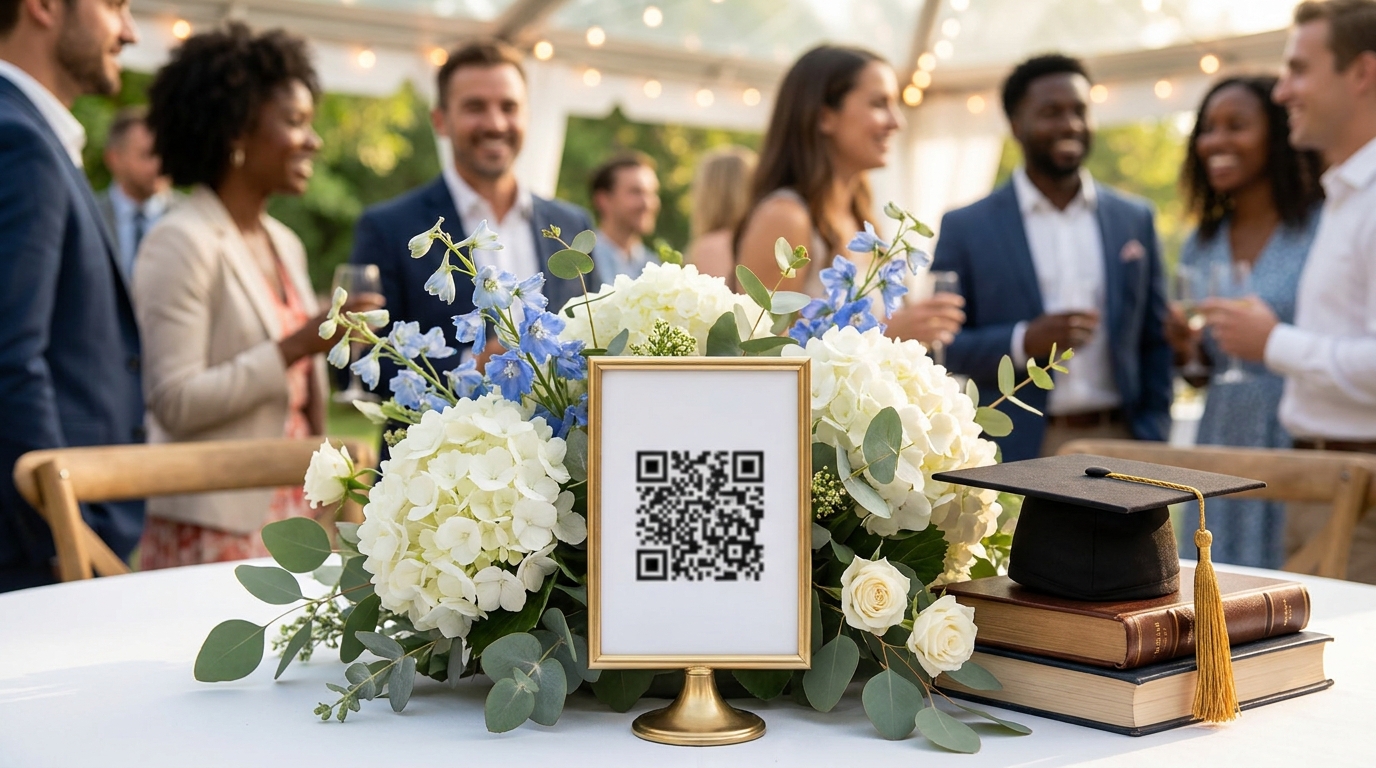
One parent I worked with printed her QR codes on elegant card stock matching her navy and gold party theme, placing them in gold frames at each table. Not only did this drive photo sharing, but it actually enhanced her décor while serving a practical purpose.
Creative Ways to Encourage Photo Sharing at Your Graduation Party
Simply displaying a QR code isn't always enough to motivate guests to participate. You need to create excitement around the photo sharing experience and make it feel like an integral part of the celebration rather than an afterthought.
Start by incorporating the QR code into your party aesthetic. Custom designs that match your school colors or party theme make the codes feel intentional rather than utilitarian. Frame them beautifully, incorporate them into centerpieces, or even project a digital version on a screen if you're hosting an evening event.
Verbal reminders during key moments work wonders. When giving a toast or making announcements, mention the photo gallery: "We're collecting every photo tonight so we can all relive this together—scan the QR code at your table and upload your favorites!" This public acknowledgment validates the effort and reminds guests who might have missed the signage.
Consider gamifying the experience to boost engagement. Create a photo scavenger hunt or challenge with categories like "Best Candid Moment," "Funniest Face," or "Most Creative Angle." Offer small prizes for winners, or simply create a "photo of the hour" recognition that appears on a screen if you have one available. For more inspiration on planning engaging celebrations, check out these graduation party ideas from Good Housekeeping.
Assigning a specific "photo ambassador" is another brilliant strategy. This tech-savvy helper circulates during the party, offering to help guests scan the code or even taking photos for elderly relatives and uploading them on their behalf. This personal touch ensures no one feels left out due to technology barriers.
One family announced during their graduate's speech: "We want to see this party through your eyes—please scan the code and share what you're seeing!" By the end of the night, they had over 150 photos from 30 different guests, capturing angles and moments the parents never would have seen otherwise.
Managing and Moderating Your Graduation Photo Gallery
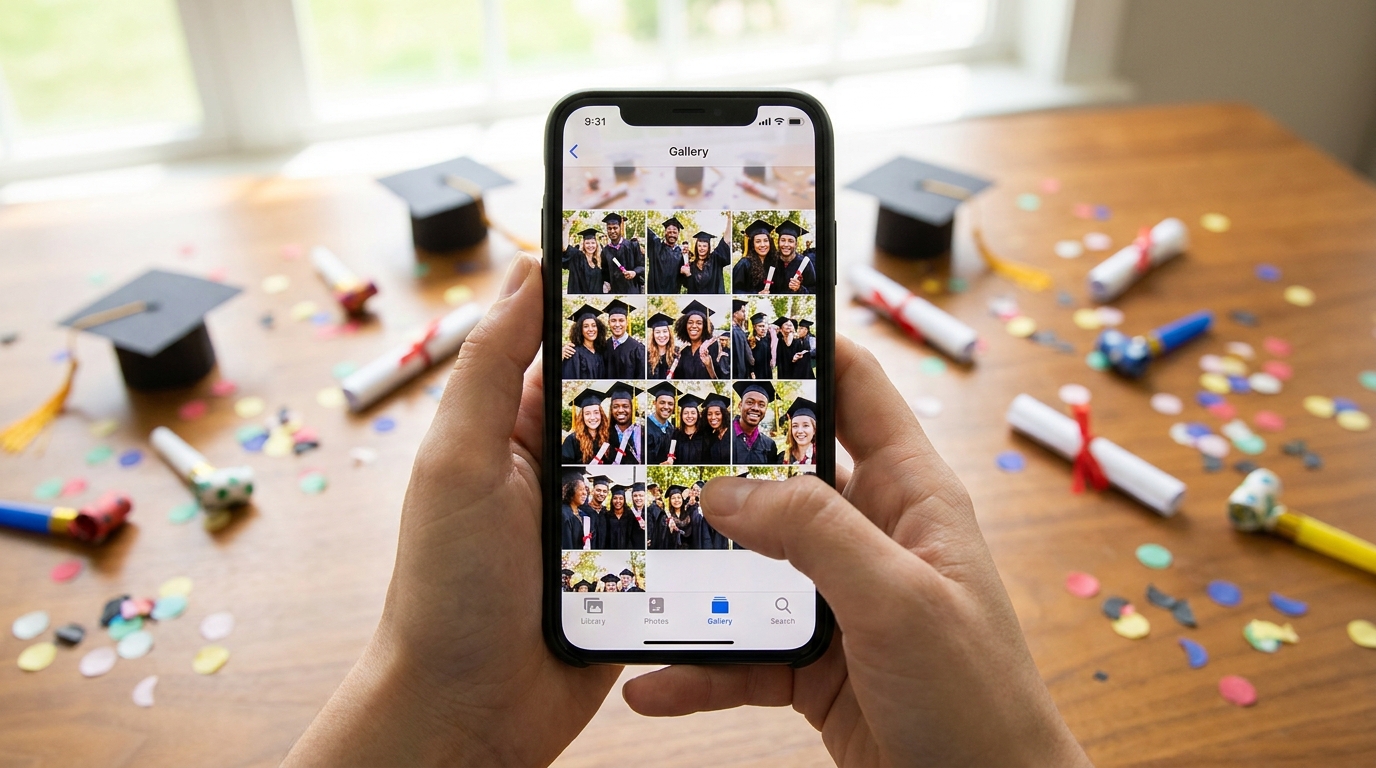
Once the photos start flowing in—and with a good system, they will—you'll want tools to manage the gallery effectively. This is where choosing the right platform makes all the difference between a chaotic dump of images and a curated collection of memories.
Moderation tools are your best friend here, especially for larger celebrations. Being able to review photos before they go live allows you to maintain quality control without censoring genuine moments. You can filter out the accidental pocket shots, blurry images, or duplicates while preserving every authentic laugh and tear. This is particularly important for graduation parties where you might have guests of varying ages and want to ensure appropriateness for family viewing.
Privacy controls give parents peace of mind. Password-protected galleries ensure that only invited guests can view and contribute photos, keeping your graduate's special moments away from public internet spaces. Some families choose to keep the gallery private during the party, then open it to extended family the following day.
Download options matter when the party ends. Look for platforms that offer both individual photo downloads and bulk ZIP downloads of the entire gallery. This makes it easy to save everything to your computer or cloud storage for permanent safekeeping. For more detailed guidance on collecting these precious memories, explore our high school graduation photo collection guide.
Parents report spending an average of 12 hours after graduation parties trying to collect photos through texts and emails—real-time QR sharing eliminates this post-event work entirely.
Storage considerations vary by platform. Free plans typically offer enough capacity for smaller gatherings (around 100 photos), while premium options provide unlimited uploads and extended storage time—perfect if you're planning a large celebration with hundreds of guests or want to keep the gallery active for several months while creating photo books.
After the Party: Sharing and Preserving Graduation Memories
The party might last four hours, but the memories should last a lifetime. Once the celebration ends and the last guest has gone home, your work with the photo gallery is just beginning—and thankfully, it's the fun part.
First, share the complete gallery with guests who couldn't attend. Elderly relatives who stayed home, friends who had conflicting commitments, or family members living abroad will appreciate being able to experience the celebration vicariously through the collected photos. A simple email with the gallery link and password allows them to browse at their leisure.
Consider creating physical keepsakes from your digital collection. Modern photo book services allow you to upload your entire gallery and create beautiful coffee table books within days. One family used the 200+ photos collected from their QR code sharing system to create a stunning album that captured angles they never would have seen—candid shots of the graduate laughing with friends, grandparents wiping away tears, and siblings sharing quiet moments away from the main festivities.
Thank you cards featuring shared photos add a personal touch that guests will treasure. Instead of generic gratitude, send cards showing the recipient enjoying themselves at your party, perhaps alongside the graduate. Include a small note with the gallery link so they can revisit the memories whenever they like.
Be mindful of storage timelines. Free plans typically keep galleries active for 30 days, while premium options extend this to a full year. Mark your calendar to download everything before expiration, ensuring you don't lose those precious memories. Create backups in multiple locations—cloud storage, external hard drives, and printed albums—to safeguard against technical failures.
For families planning multiple graduation celebrations in 2026—perhaps a preschool ceremony for a younger sibling alongside the high school graduation—consider how these collected photos might work together in a year-end family album. If you're looking for ideas for younger graduates, our preschool graduation celebration photo ideas might provide inspiration for capturing those early milestones with the same ease.
Frequently Asked Questions
Do guests need to download an app to share graduation party photos?
No app download is required. Guests simply scan a QR code with their phone's camera and upload photos directly through their web browser. This works on any smartphone (iPhone or Android) and makes it easy for all ages to participate, from tech-savvy teens to grandparents.
How many photos can be collected at a graduation party?
With a free plan, you can collect up to 100 photos (perfect for smaller gatherings). Premium plans offer unlimited photo and video uploads with 10GB of storage, which typically accommodates 2,000-3,000 high-quality photos—more than enough for even the largest graduation celebrations.
Can I control which photos appear in my graduation gallery?
Yes, moderation tools let you review and approve photos before they appear in the public gallery. This ensures only appropriate, quality photos are shared while still making it easy for guests to contribute. You can also password-protect your gallery for added privacy.
How long do graduation party photos stay available?
Free plans keep your gallery active for 30 days after the event, giving you time to download all photos. Premium plans extend this to one full year, perfect if you want to revisit memories or create photo books months after graduation.
What's the best way to display QR codes at a graduation party?
Place QR codes in multiple locations: a large poster or sign at the entrance, table tent cards at each table, and printed cards near the photo booth or food stations. The more visible and accessible the QR code, the more photos guests will share throughout the celebration.
Graduation celebrations mark transitions and achievements that deserve to be remembered in full color and from every perspective. By implementing a simple QR code photo sharing system, you're not just collecting images—you're preserving the collective joy of your community as they celebrate your graduate's success. Whether you choose a free option for an intimate family gathering or upgrade to premium features for a blowout bash, the important thing is ensuring no memory gets left behind on a guest's camera roll. Here's to capturing every cap toss, every hug, and every proud smile of graduation season 2026.