Cruise Event Photo Sharing Solutions for 2026 Voyages
Discover the best cruise event photo sharing solutions for 2026. Learn how to collect guest photos at sea without apps or internet hassles. Perfect for cruises!
By Guest Clicks Team · · 14 min read
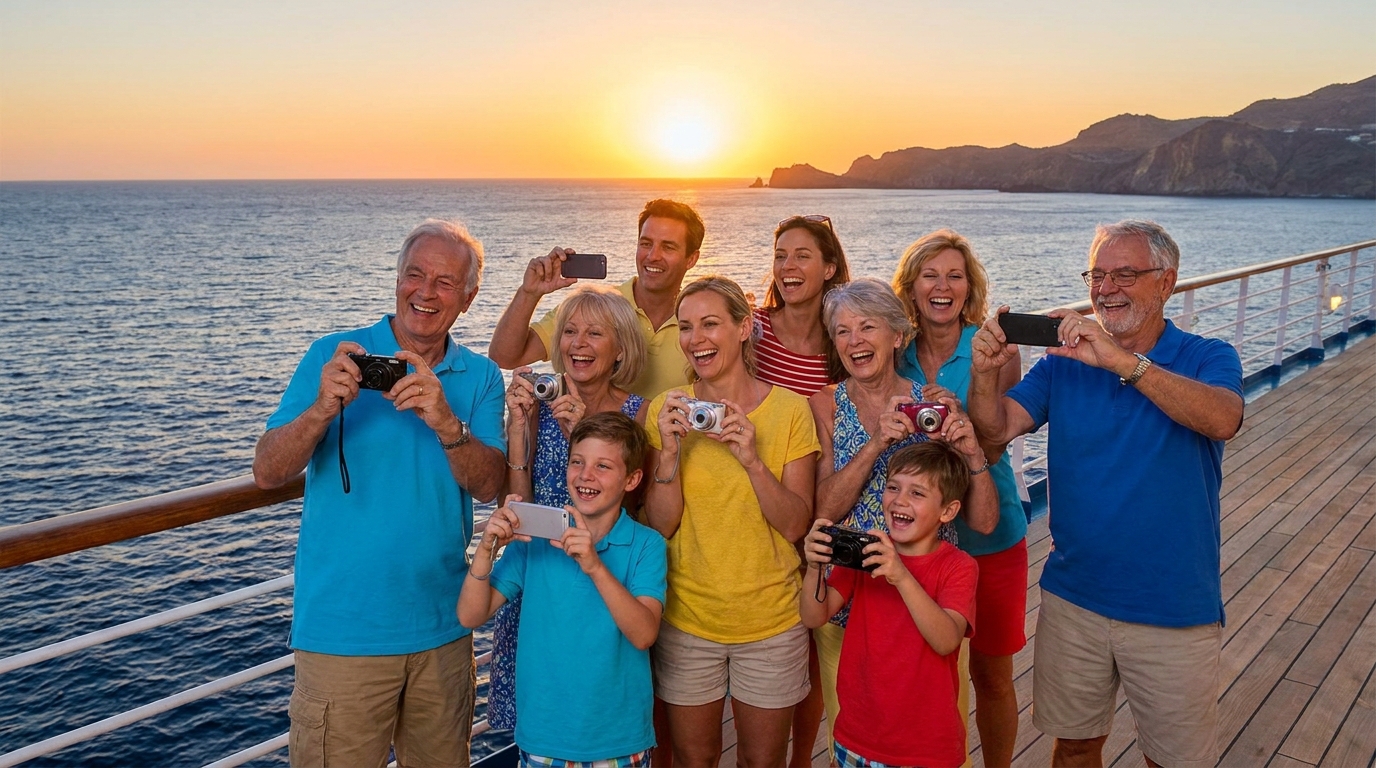
There's something magical about gathering your favorite people on a cruise ship. The endless ocean views, the shared meals, the spontaneous dance parties on the lido deck, and those once-in-a-lifetime port adventures create memories you'll treasure forever. But here's the frustrating reality that every cruise event organizer faces: by the end of the voyage, those precious moments are scattered across forty different phones, trapped behind expensive WiFi paywalls, or lost because Aunt Margaret couldn't figure out how to AirDrop photos to the family group chat.
If you're planning a family reunion at sea, a destination wedding cruise, or a corporate incentive trip in 2026, you know that collecting photos from everyone feels like trying to coordinate a flash mob in the middle of the ocean. The good news? Modern QR code-based photo sharing solutions have finally solved the cruise photo collection puzzle—no app downloads required, minimal WiFi needed, and simple enough for every generation to use.
Why Photo Sharing on Cruises Presents Unique Challenges
Cruise ships float in a peculiar technological limbo. You're surrounded by ocean, moving between international waters and foreign ports, relying on satellite internet that costs a premium and moves at a pace that would make 1990s dial-up seem speedy. This unique environment creates photo-sharing headaches that land-based events simply don't face.
First, there's the WiFi situation. Most cruise lines charge between $15 to $30 per day for internet packages, and even then, the connection is often too slow for uploading high-resolution photos to traditional cloud services. Guests frequently purchase WiFi for checking email or messaging family back home, but they hesitate to burn their data allowance on uploading photos to shared albums.
Then there's the international factor. Cruises attract guests from around the world, meaning many travelers have data roaming disabled to avoid shocking phone bills. When your group includes cousins from Canada, colleagues from the UK, and college friends from Texas, you can't rely on everyone having consistent connectivity.
Cruise guests take an average of 300-500 photos per week-long voyage, but traditional sharing methods result in only 15-20% of those photos being shared with the group.
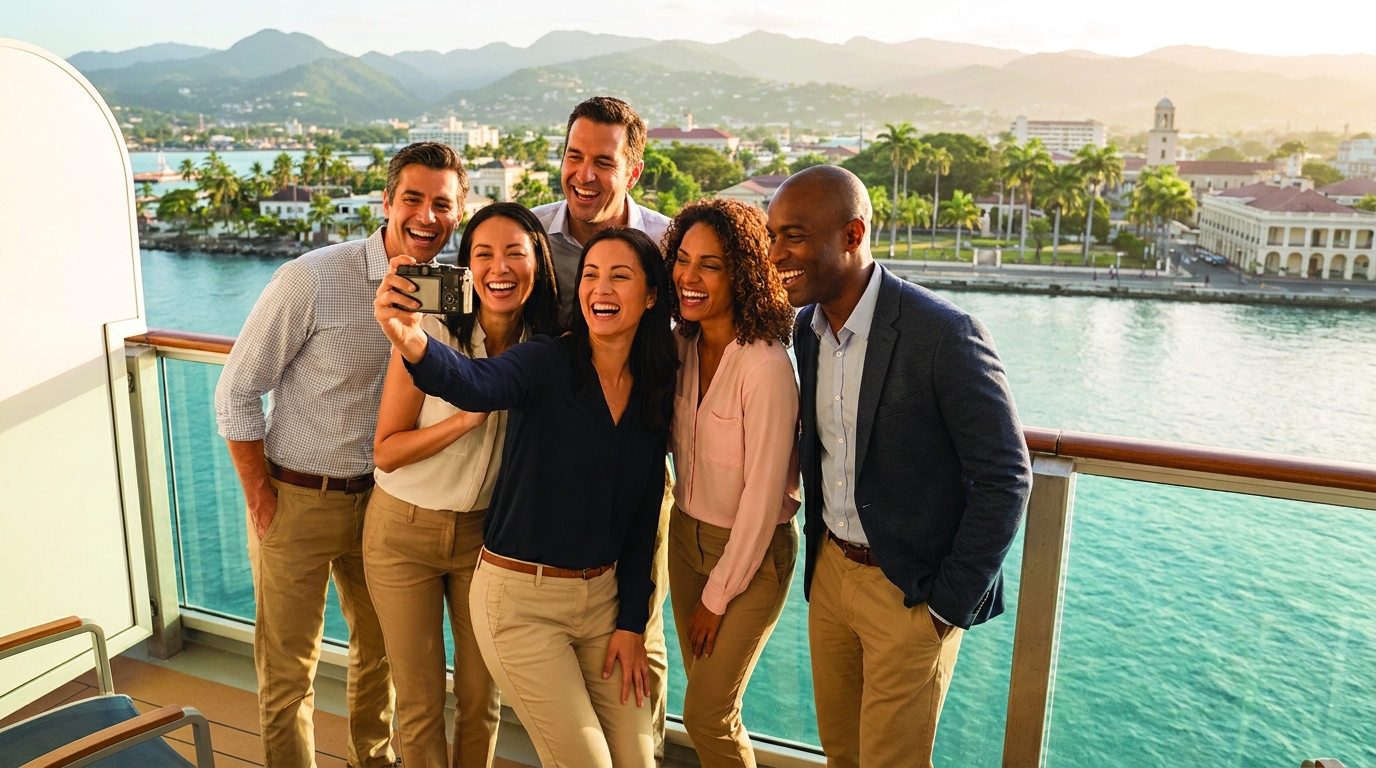
The physical layout of ships compounds the problem. Your family reunion might span fifteen different cabins across three decks, with events happening in the main dining room, the theater, the pool deck, and various port cities. Traditional ship photographers capture staged moments, but they miss the candid laughter during trivia night, the triumphant moment someone wins at bingo, or that perfect sunset selfie on the balcony.
Consider the frustration of a family reunion cruise with 40 relatives trying to coordinate photos from the welcome dinner, shore excursions in Cozumel, and the farewell party. Or imagine a corporate incentive cruise where team members want to share team-building moments but can't access company cloud storage due to firewall restrictions or poor connectivity. These scenarios play out on nearly every group cruise, leaving organizers with fragmented memories and guests with phones full of photos that never get shared.
What Makes an Effective Cruise Event Photo Sharing Solution
Not all photo sharing platforms are built for life at sea. When evaluating solutions for your 2026 cruise event, you need specific capabilities that address maritime connectivity constraints and demographic diversity.
The ideal system must work with minimal or intermittent internet connectivity. It should allow photos to queue on devices when there's no connection, then automatically sync when guests hop onto ship WiFi in their cabins or connect to free port internet during shore excursions. This offline-first approach ensures no photo gets lost just because someone took it while sailing between islands.
The biggest photo sharing complaint on cruises isn't the cost of WiFi—it's the complexity of getting photos from everyone's phones into one place where the whole group can access them.
Simplicity is non-negotiable. Your group likely spans multiple generations and tech comfort levels. If Grandma needs to create an account, download an app, and remember a password, she won't participate. The solution must work on any smartphone without downloads, using technology that everyone already understands.
Consolidation matters too. Rather than creating separate albums for the embarkation party, formal night, and beach day in Jamaica, you need one unified gallery that collects everything from your week-long voyage. This is particularly crucial for multi-generational family events where grandparents and grandchildren all need to contribute easily, or for destination wedding cruises with ceremonies at sea and celebrations in multiple ports.
Finally, effective cruise photo sharing shouldn't drain battery life or require constant connectivity. Solutions that rely on Bluetooth or proximity sharing fail on large ships where your cabin might be 200 yards from the dining room. You need a system that works on the ship's terms, not despite them.
QR Code Photo Sharing: The Ideal Solution for Cruise Events
QR code-based photo sharing has emerged as the perfect match for cruise events, solving the connectivity puzzle through intelligent offline queuing and universal accessibility. Here's why this technology works beautifully at sea.
When guests scan a QR code using their phone's camera or browser, they access a web-based upload portal instantly—no app store visits required, no 100MB downloads over expensive ship WiFi. This no-app approach means international guests with disabled app stores or limited data can still participate fully. The QR code works in any mobile browser, whether they're using an iPhone from California or an Android from Germany.
The real magic happens behind the scenes. When a guest takes a photo of the sunset from the top deck and scans your event QR code, they can select and queue their photos immediately. If there's no WiFi available (common in outdoor areas of the ship), the photos wait patiently on their device. The moment they return to their cabin and connect to the ship's WiFi, or when they dock in Nassau and pick up free port WiFi, the uploads happen automatically in the background. Guests don't have to babysit the upload process or retry failed attempts.
QR code-based photo sharing works even when ship WiFi is slow because photos queue for upload and sync automatically in the background—guests don't have to wait or retry.
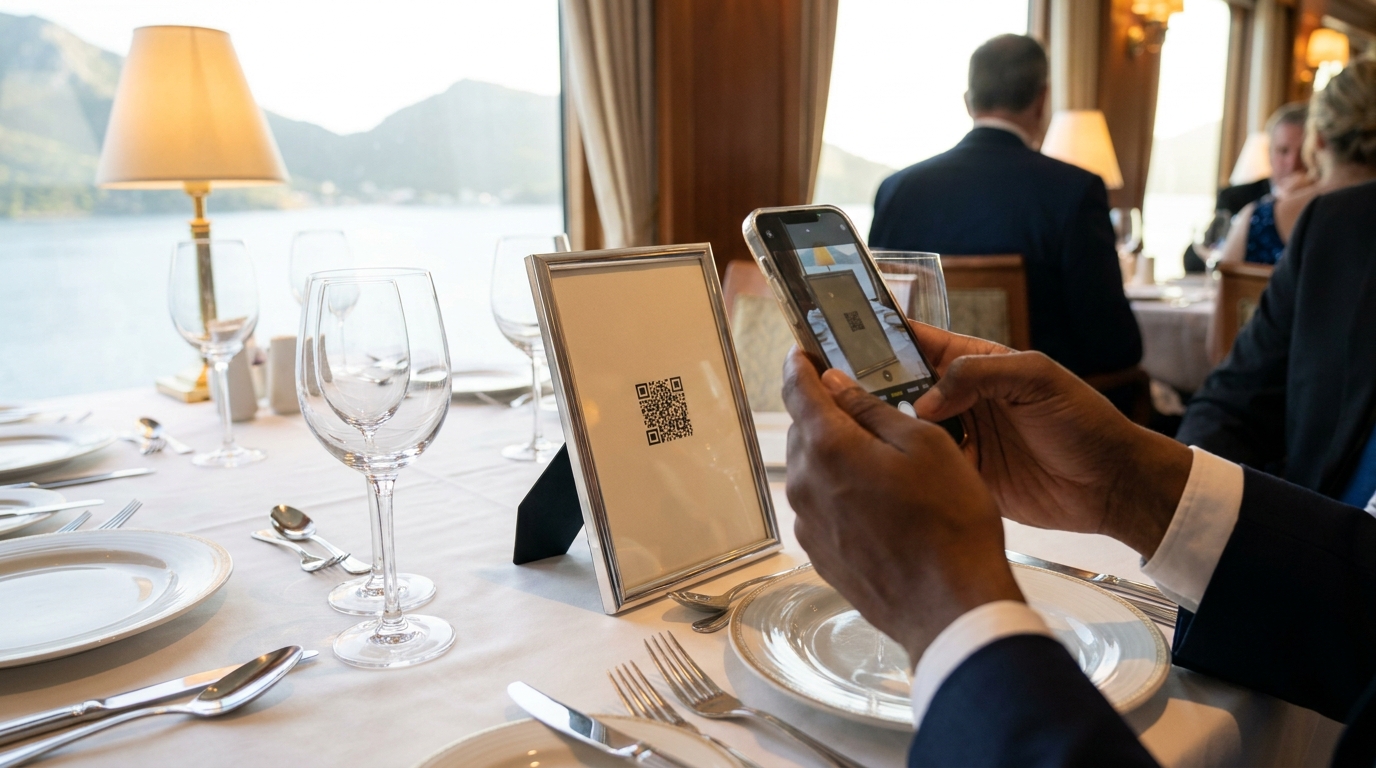
One QR code can serve your entire voyage. Whether you're hosting a welcome aboard mixer, a formal dinner in the main dining room, or a beach excursion in the Caribbean, the same code collects everything in one organized gallery. You might place laminated QR code cards on dinner tables for the group celebration, or post a QR code display near your cabin cluster so family members can upload throughout the week.
Platforms like Guest Clicks are specifically designed for these scenarios, offering QR code generation that works flawlessly on cruise ships. With Guest Clicks, you create your event before sailing, generate your unique QR code, and guests can start uploading the moment they board—no technical expertise required.
📸 Collect Every Guest Photo at Your Next Event
Stop chasing guests for photos. With Guest Clicks, you create a QR code, guests scan and upload — it's that simple. No app downloads, no hassle.
Setting Up Photo Sharing Before Your Cruise Departs
Success on the high seas starts with preparation on solid ground. The week before your cruise is the critical window for setting up your photo sharing infrastructure, while you still have reliable internet and access to printing services.
First, create your event in your chosen platform while you're still on land with good internet. Generate your QR code and test the upload process yourself. Take a few photos, scan the code, and ensure everything flows smoothly. This is also the time to decide if you need the free tier (perfect for smaller gatherings under 100 photos) or if your week-long family reunion requires the Premium plan with unlimited uploads and video support.
Physical materials are essential for cruise success. Unlike land-based events where you might email links, cruise guests won't reliably check email once aboard. Print your QR codes on physical materials before boarding: elegant table tents for the dining room, laminated cards for poolside use, or door hangers for your cabin cluster. For guests who aren't tech-savvy, printed instructions on how to scan and upload can eliminate confusion.
One wedding cruise organizer we spoke with printed QR code welcome cards and tucked them into guest cabin welcome bags, along with a schedule of cruise events. A corporate event planner created laminated QR code signs for each scheduled group activity, from the morning brainstorming session to the evening gala.
Brief your group during the muster drill or welcome gathering. Take two minutes to explain that you've set up a photo sharing system, show them the QR code, and emphasize that they can upload when they have WiFi in their cabins. This initial explanation prevents the "how do I share photos?" questions that inevitably arise mid-voyage.
Finally, test the ship's WiFi yourself on embarkation day. Upload a test photo to ensure the connection works with your platform. Some cruise lines block certain websites or throttle specific types of traffic, so confirming functionality early lets you troubleshoot before your main events begin.
Managing Photos Across Multiple Cruise Events and Ports
A seven-day cruise isn't one event—it's a series of moments spread across embarkation, sea days, port excursions, formal nights, and farewell brunches. Managing photos across this timeline requires strategic organization and gentle guest encouragement.
Start by organizing your gallery with clear sections or tags for different events. When guests upload, they should be able to indicate whether their photo is from the embarkation party, the Jamaica shore excursion, or the formal night dinner. This organization prevents the gallery from becoming a chaotic dump of 800 unlabeled images.
Port days offer your best upload opportunities. Remind guests during breakfast that they can connect to free WiFi in port cities to upload yesterday's photos while they're exploring. Many Caribbean ports, European harbors, and Alaskan dock towns offer free public WiFi that works perfectly for syncing queued photos. A quick announcement like "Don't forget to upload your formal night photos while we're in Cozumel with free WiFi!" can significantly boost your collection rate.
Use moderation tools to curate the best moments. With Premium features, you can review uploads before they appear in the main gallery, ensuring that accidentally uploaded screenshots or blurry photos don't clutter the collection. This is particularly valuable for corporate events where you want to maintain a professional gallery, or family reunions where you want to highlight the best moments from each day.
Consider creating themed upload reminders. For a family reunion cruise, you might encourage "Formal Night Friday uploads" or "Beach Day Saturday sharing." One group cruise organizer created small cards for each dinner table with a QR code and a note saying "Share your photos from tonight's celebration!" This gentle nudging keeps the photo collection growing throughout the voyage rather than just at the end.
Don't forget the post-cruise experience. Once everyone returns home and reconnects to high-speed internet, send a reminder email with the gallery link. Guests often take hundreds of photos but only upload a few while on the ship. Giving them a week after the cruise to add their best shots can double your final collection.
Real-World Cruise Photo Sharing Success Stories
Nothing illustrates the power of QR code photo sharing better than real cruises that have successfully collected hundreds of memories without the usual technological headaches.
The Mediterranean Family Reunion: When the Chen family gathered 50 relatives from three continents for a 10-day Mediterranean cruise, they faced the classic challenge: ages ranging from 8 to 82, multiple languages, and varying tech comfort levels. They set up a Guest Clicks gallery before departure and printed QR code cards for each cabin cluster. By the end of the voyage, they had collected over 800 photos from Barcelona to Rome, including candid shots from shore excursions that would have been impossible to gather through traditional methods. The grandparents participated easily because they didn't need to download anything—just scan and upload when back in their cabin with WiFi.
The Destination Wedding at Sea: Sarah and Michael held their wedding ceremony on a cruise ship balcony as they sailed past the glaciers in Alaska, followed by receptions in Juneau and Skagway. Rather than hiring an expensive ship photographer for every moment, they used a single QR code system that collected photos from the ceremony, the deck party, the zip-lining excursion, and the formal dinner. Their gallery included professional-looking candid shots from guests' phones that captured emotions the official photographer missed. The couple still receives comments six months later about how easy it was to relive every moment through the shared gallery.
The Corporate Incentive Cruise: A tech company brought 120 employees on a Caribbean cruise for a team-building retreat. Concerned about data security and ease of use, they chose a QR code solution that didn't require company email logins or VPN access. They placed laminated QR codes at each team activity station, from the scavenger hunt on the private island to the awards dinner. The result was a curated collection of 1,200 photos that HR used for recruitment materials and internal newsletters—content that would have been impossible to gather through traditional corporate cloud storage given the connectivity constraints at sea.
The common thread in these success stories? Preparation before sailing, physical QR code placement throughout the ship, and patience with the upload process. These organizers understood that cruise photo sharing isn't about instant gratification—it's about creating a system that works within the unique constraints of maritime travel.
For more travel insights and cruise planning tips, check out Condé Nast Traveler's expert advice on coordinating group travel.
Frequently Asked Questions
Can guests upload photos on a cruise without WiFi?
Guests can scan the QR code anytime without WiFi, and their photos will queue for upload. Once they connect to ship WiFi (in their cabin or a WiFi zone) or data in port, photos automatically sync to the gallery in the background.
Do cruise photo sharing apps work internationally?
Many apps require data or app store access, which can be problematic internationally. QR code solutions work in any mobile browser without downloads, making them ideal for cruises with international guests who may have data roaming disabled.
How much does cruise ship WiFi cost for photo sharing?
Cruise WiFi packages range from $15-30 per day per device. With QR code photo sharing, guests only need brief connectivity to upload photos (usually just a few minutes), making even basic WiFi packages sufficient for the entire voyage.
What's the best way to share a QR code on a cruise ship?
Print the QR code on physical materials before boarding—table tents, door hangers, or laminated cards work best. Place them in high-traffic areas like your cabin cluster, dinner tables, or group meeting spots where guests naturally gather.
Can I use one photo sharing solution for multiple cruise events?
Yes, the best cruise photo sharing solutions allow you to use one QR code for all events throughout your voyage—embarkation party, shore excursions, formal nights, and farewell dinner—with all photos collected in a single gallery.