Community Festival Photo Sharing Tips for 2026 Events
Discover proven community festival photo sharing tips to capture every moment. Learn how to collect, organize, and share photos seamlessly at your next event.
By Guest Clicks Team · · 10 min read
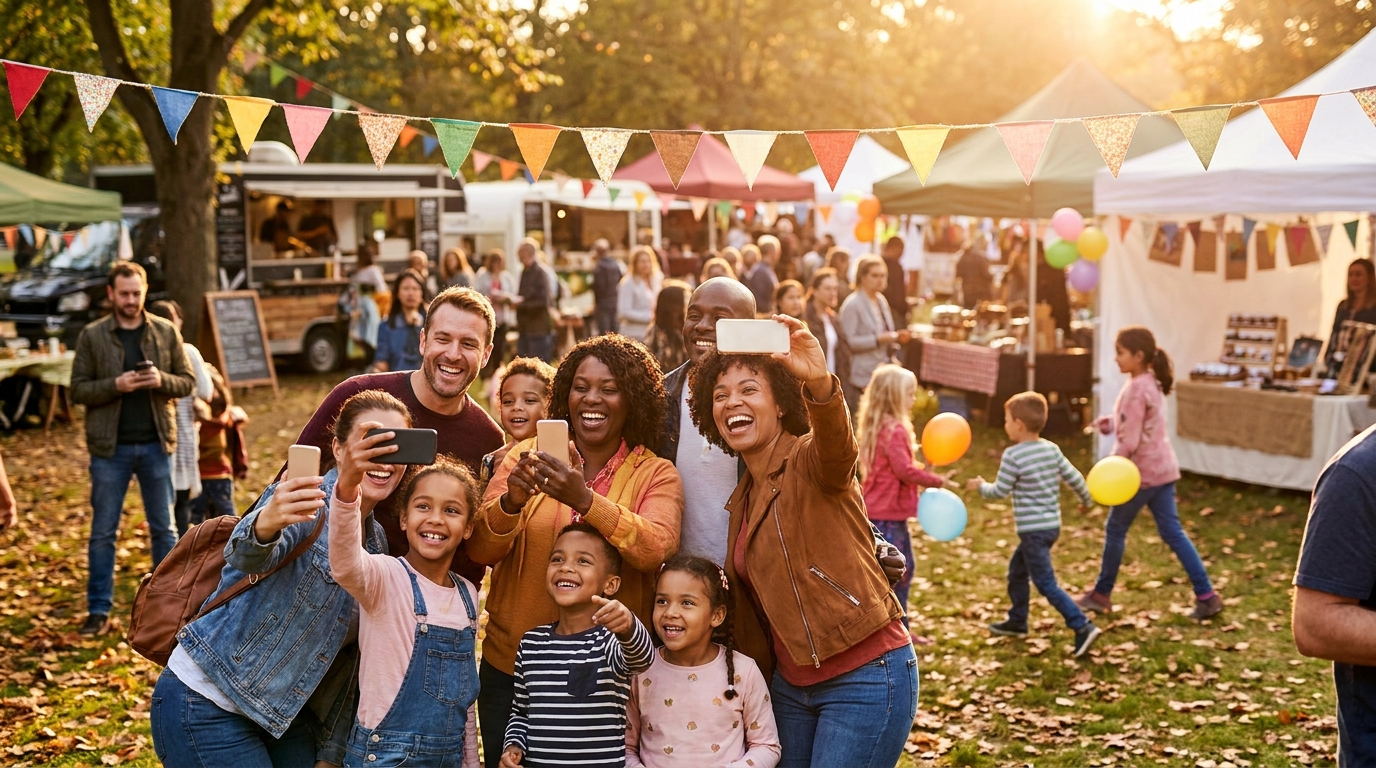
You've spent months coordinating vendors, securing permits, and recruiting volunteers for your community festival. The big day arrives—perfect weather, record attendance, kids laughing, local bands playing, food trucks serving up favorites. You catch glimpses of attendees capturing these moments on hundreds of phones throughout the day. But when you wake up the next morning eager to relive the magic, you're met with silence. Your Facebook event has three photos. Your hashtag has twelve posts, mostly from your own marketing team. The visual story of your community's celebration exists in fragments across devices you'll never access.
Community festivals that implement centralized photo sharing systems collect an average of 15x more photos than those relying on social media hashtags alone.
This doesn't have to be your story. With the right approach to community festival photo sharing, you can transform from an organizer who crosses their fingers hoping people tag your event into a confident curator who captures the complete narrative—every face paint moment, every dance performance, every sunset shot over the main stage. Here's how to make it happen in 2026.
Why Traditional Photo Sharing Falls Short at Community Festivals
The fragmentation problem is real and frustrating. When you rely on social media hashtags or post-event email requests, you're essentially hoping hundreds of people will remember to share content after the fact—while they're tired, busy, or already onto the next thing. Take the neighborhood fall festival in Portland that created a Facebook event with 300 attendees but only received 15 photos. Or consider the cultural heritage festival in Miami where elderly community members captured incredible traditional dance performances on their phones but had no simple way to share them with organizers.
Age and tech literacy barriers create invisible walls at community events. Your festival likely spans generations—from teenagers documenting everything on TikTok to grandparents capturing precious moments on basic smartphones. Requiring app downloads, account creation, or complex upload processes immediately excludes valuable contributors. This is where understanding family event photo dynamics across all ages becomes crucial for inclusive planning.
Privacy concerns also dampen participation. Many community members, especially parents photographing children, hesitate to post on public social media platforms. They want to share with their neighbors and fellow attendees, not the entire internet. Yet traditional methods force this binary choice: post publicly or keep photos private.
Perhaps most critically, waiting until after the festival means losing the moment. The emotional resonance of real-time sharing disappears, and you miss the opportunity to display community photos during the event itself, creating a feedback loop of excitement and participation.
Set Up Your Festival Photo Collection System Before Day One
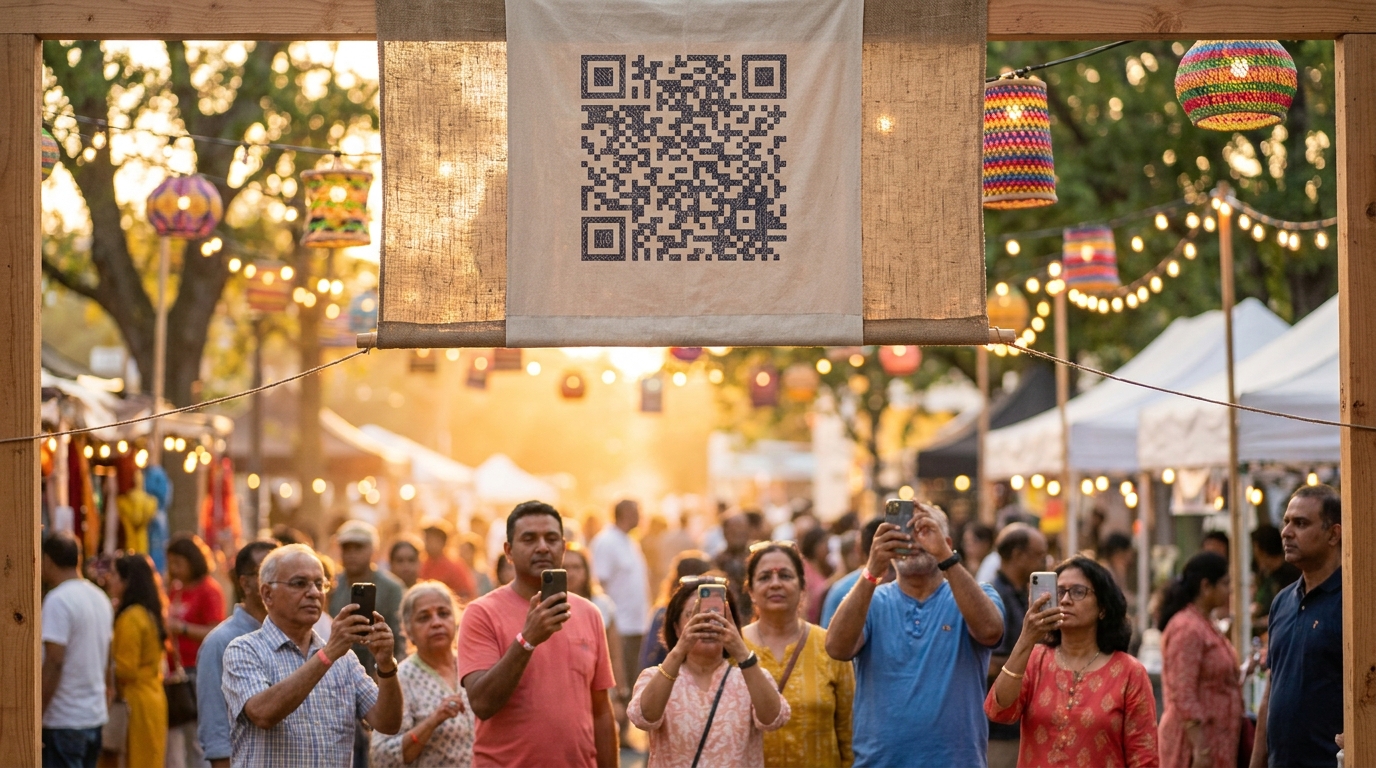
Success starts two weeks before your first food truck fires up its grill. You need a collection method that removes every possible barrier to entry. This means zero downloads, zero account creation, and zero confusion. When attendees can point their phone camera at a QR code, select their photos, and upload in under thirty seconds, participation rates soar dramatically.
The biggest barrier to photo sharing isn't willingness—it's friction. When you remove the need for app downloads or account creation, participation rates jump from 5% to 60% of attendees.
Platforms like Guest Clicks work perfectly for this scenario because they operate entirely within mobile browsers. Whether someone has the latest iPhone or a five-year-old Android, they scan, upload, and they're done. This approach aligns with the key benefits of no-app photo sharing that modern event organizers are prioritizing in 2026.
Design your signage for accessibility. Large, high-contrast QR codes (at least 6 inches square) with simple, bold text reading "Share Your Photos Here" work far better than tiny codes buried in paragraphs of instructions. Include visual examples showing the three-step process: Scan, Select, Share.
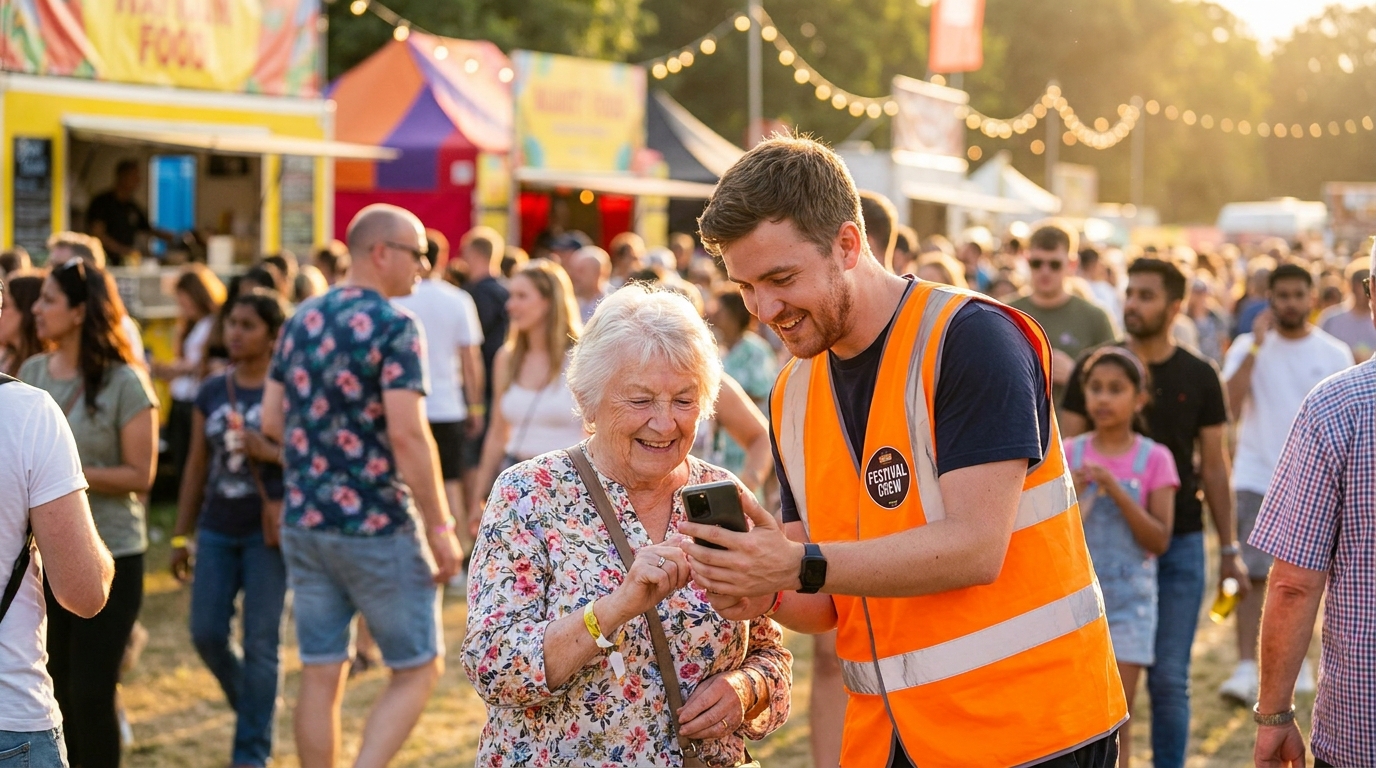
Test your system thoroughly before the event. Upload photos yourself from different devices and locations. Check load times on spotty cellular connections. Assign 2-3 photo ambassadors—enthusiastic volunteers who understand the technology and can help first-time users through their initial upload. These ambassadors become your secret weapon for driving adoption.
📸 Collect Every Guest Photo at Your Next Event
Stop chasing guests for photos. With Guest Clicks, you create a QR code, guests scan and upload — it's that simple. No app downloads, no hassle.
Strategic QR Code Placement That Maximizes Photo Submissions
Visibility is everything. You need to meet people where they already have their phones out, not force them to hunt for upload stations. High-traffic zones are obvious choices: main entrances, food court areas, near restrooms, and by the main stage. But the real magic happens at what I call "golden moments"—those naturally photogenic spots where people are already taking pictures.
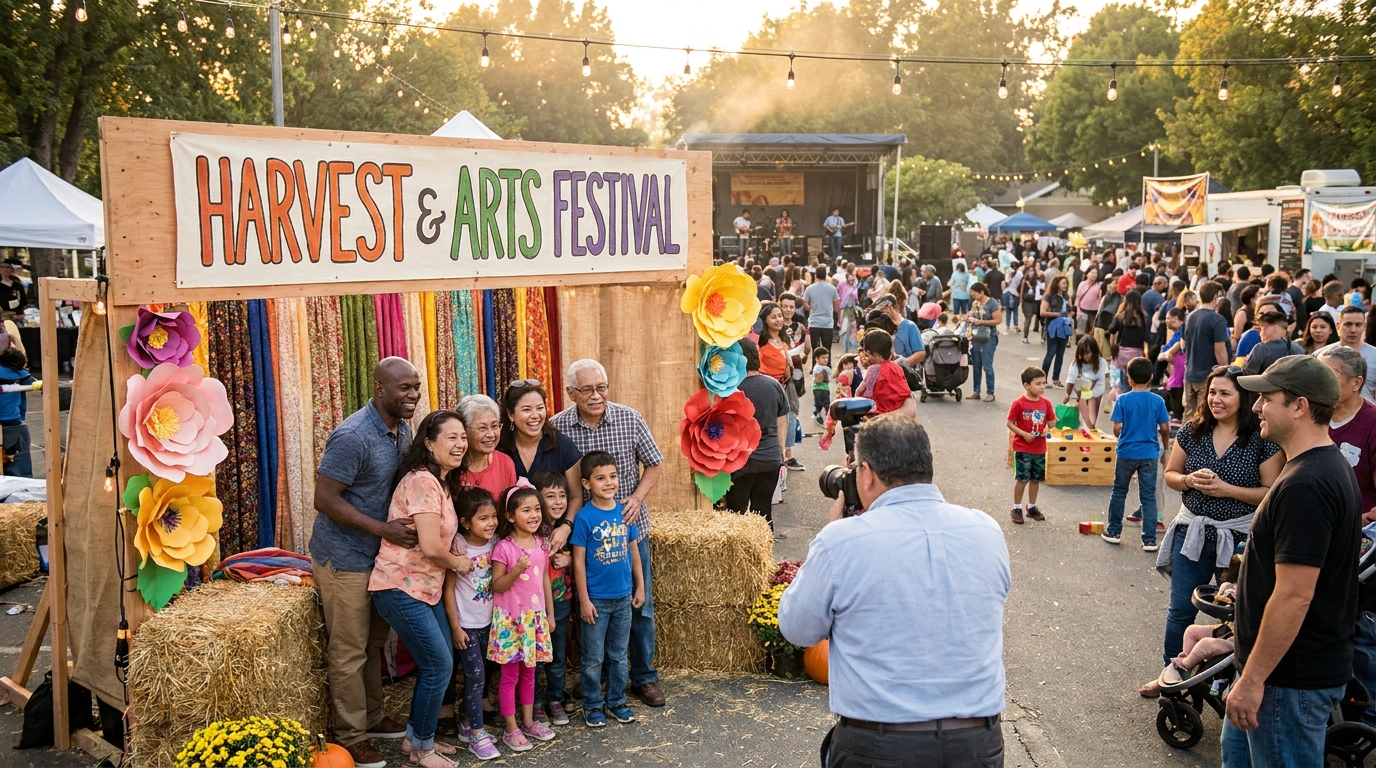
A harvest festival in Vermont placed large QR code banners on hay bales at their pumpkin patch photo station. Families were already gathering there for group shots, so adding the upload prompt felt like a natural extension of the experience rather than an interruption. They collected over 400 uploads from that single location alone.
Consider mobile signage options too. Volunteers wearing QR code badges or carrying sandwich boards through crowds can approach people who look like they're reviewing photos on their phones. A street fair in Austin gave vendors small QR code cards to hand out with purchases, turning every transaction into a gentle reminder to share photos.
Don't forget table tents at registration tables and vendor booths. Simple messaging like "Scan to share what you see!" works better than lengthy explanations. For inspiration on comprehensive event photography strategies, check out this festival planning guide from EventMB that covers visual documentation best practices.
Encourage Participation Without Being Pushy
The art of encouragement lies in making photo sharing feel like part of the festival entertainment rather than homework. Timing matters significantly—mention your photo gallery during welcome speeches and between performances when you have captive attention. But keep it brief: "Don't forget to scan the codes around the venue to share your perspective with everyone!"
Gamification works wonders for community events. Create a photo scavenger hunt with prompts that encourage exploration: capture all five festival mascots, photograph every food vendor's signature dish, or find three different musical performances. A children's festival in Seattle created a passport system where kids collected stamps AND uploaded photos at each activity station, driving both engagement and documentation.
Photos submitted during the event (real-time sharing) have 3x higher engagement and emotional resonance than photos uploaded days later, making instant-upload systems crucial for capturing authentic festival energy.
Incentives drive action without requiring constant promotion. Consider offering one raffle entry for every three photos uploaded, with prizes donated by local businesses. Displaying the live gallery on big screens near the main stage creates immediate gratification—when attendees see their own photos appear moments after uploading, it triggers a domino effect of participation.
Manage Privacy, Moderation, and Photo Quality
Community trust is your most valuable asset, and photo sharing requires careful stewardship. Start by setting clear expectations at upload points. Simple signage stating "Photos may be used for promotional materials" or "Community gallery—please keep content family-friendly" establishes boundaries without lengthy legal text.
Moderation tools are essential for family-friendly events. Real-time review capabilities allow you to catch inappropriate content before it hits the public gallery. A cultural festival in Chicago assigned two volunteers to moderate uploads throughout the day using their phones, ensuring the displayed content aligned with community values while maintaining the flow of sharing.
Password protection offers additional control for sensitive community events. A neighborhood block party used a password-protected gallery shared only with residents, creating a safe space for sharing while maintaining privacy from the broader public. This approach is particularly valuable when comparing digital vs physical sharing methods for community documentation.
Establish quality guidelines early. Decide whether you'll allow duplicates, blurry shots, or screenshots in your permanent collection. Some organizers prefer the raw authenticity of everything submitted; others curate for a highlights reel. There's no wrong answer, but consistency matters for long-term archives.
Post-Festival: Organize, Share, and Preserve Your Community Memories
The day after your festival isn't the end—it's the beginning of your legacy. Download and backup strategies should commence immediately. Use bulk download features to create comprehensive archives, then store copies in multiple locations: cloud storage, external drives, and even physical prints for historical societies if your event has archival significance.
Strike while the iron is hot by creating highlight reels within 48 hours. A seasonal market in Denver compiled a two-minute video from attendee photos and shared it with local news stations, driving a 30% increase in vendor applications for their next event. The authentic, crowd-sourced footage carried more emotional weight than professional marketing materials.
Distribution requires multiple channels to reach your entire community. Share gallery links via email lists, community Facebook groups, and local newsletters. But don't forget non-digital residents—print small batches of physical flyers with the gallery URL or QR code for community centers and libraries. This inclusive approach ensures accessible photo sharing reaches everyone, not just the digitally connected.
For annual festivals, maintaining long-term galleries builds community history. An annual heritage festival in Virginia maintains galleries going back five years, creating a visual timeline of neighborhood growth, changing faces, and evolving traditions. This archive becomes a treasured resource for planning committees, local historians, and returning attendees who love seeing how the event has grown.
Frequently Asked Questions
How do you share photos at a community festival?
The most effective method is using QR code-based photo sharing that requires no app downloads. Place QR codes throughout the festival venue, and attendees simply scan with their phone camera, select photos, and upload instantly to a shared gallery everyone can access.
What is the best way to collect photos from festival attendees?
Use a centralized digital platform with QR code access that works in any mobile browser. This eliminates barriers like app downloads or account creation, making it easy for attendees of all ages and tech levels to contribute photos during and after the event.
How can I encourage people to share photos at my festival?
Make sharing effortless with visible QR codes at photo-worthy spots, announce the photo gallery during opening remarks, display submitted photos on big screens in real-time, and consider incentives like raffle entries for photo submissions. The key is removing friction and creating excitement around seeing everyone's perspectives.
Should community festival photo galleries be public or private?
This depends on your community's preferences and privacy concerns. Password-protected galleries work well for neighborhood events where you want to limit access to residents only. Public galleries are ideal for promotional purposes and broader community engagement, but always include moderation tools to review content before it goes live.
How long should I keep festival photos accessible online?
For annual community festivals, keep galleries accessible for at least one year to maintain engagement between events. Many successful festivals maintain archives for 3-5 years, creating a valuable historical record. Always download and backup photos to multiple locations to prevent loss if a platform changes or closes.